If you collect a certificate of insurance (COI) from every subcontractor, vendor, or tenant you work with, you already know the pain: chasing brokers by email, checking expirations in a spreadsheet, and hoping nobody walks on site with a lapsed policy. COI tracking software fixes that by automating collection, review, and renewal tracking in one place. This guide explains how certificates of insurance work, where manual tracking breaks down, and what to look for in a COI management platform.
- A COI is a one page summary of a vendor’s insurance. It is evidence of coverage, not the coverage itself.
- The real risk lives in the endorsements (additional insured, waiver of subrogation, primary and noncontributory), not on the face of the ACORD 25.
- Spreadsheets fail at scale because expirations, endorsements, and project specific requirements change constantly.
- COI tracking software automates requests, reviews each certificate against your contract requirements, and alerts vendors before policies lapse.
- Billy is COI tracking software built for construction, with AI review and native integrations with Procore, Autodesk, Sage, and more.
What is a certificate of insurance (COI)?
A certificate of insurance, usually called a COI, is a document issued by an insurance broker or carrier that summarizes a business’s active policies. In the United States the most common format is the ACORD 25 certificate of liability insurance. It lists the named insured, the insurers, policy numbers, effective and expiration dates, coverage limits, and the certificate holder.
In construction, a general contractor typically collects a COI from every subcontractor on every project before they are allowed on site. Owners, developers, property managers, and lenders do the same with their contractors and vendors. For a deeper walkthrough of each box on the form, read our guide on how to read and interpret a certificate of insurance.
What a COI usually shows
What is COI tracking?
COI tracking (also called certificate of insurance tracking, COI management, or insurance compliance tracking) is the ongoing process of:
- Requesting certificates from every vendor or subcontractor.
- Reviewing each certificate and its endorsements against your contract’s insurance requirements.
- Following up on deficiencies until the vendor is compliant.
- Monitoring expiration dates and collecting renewals before coverage lapses.
- Keeping an audit ready record of every document and every decision.
It sounds simple. Then you multiply it by every sub, every project, and every renewal cycle.
Why manual COI tracking fails
Most teams start with an inbox and a spreadsheet. If that is you, grab our free COI tracking template for Excel to get organized today. But as volume grows, the same problems show up for almost every contractor:
Each gap is a risk transfer failure. If a sub’s coverage lapses or an endorsement is missing, the claim can land on your policy, raise your premiums, or show up as a charge for uninsured subcontractors at your next audit. Our free 2026 audit ready checklist walks through what auditors look for.
Stop chasing certificates by email
See how Billy collects, reviews, and renews COIs for you, automatically.
Book a Demo Get the Free TemplateWhat COI tracking software does
COI tracking software replaces the inbox and spreadsheet with a system that runs the whole compliance loop for you. The best platforms handle five jobs:
How Billy automates COI compliance
Billy is an all in one construction compliance platform built for builders, by builders. Here is what that looks like inside the product.
1. See every vendor’s compliance status at a glance
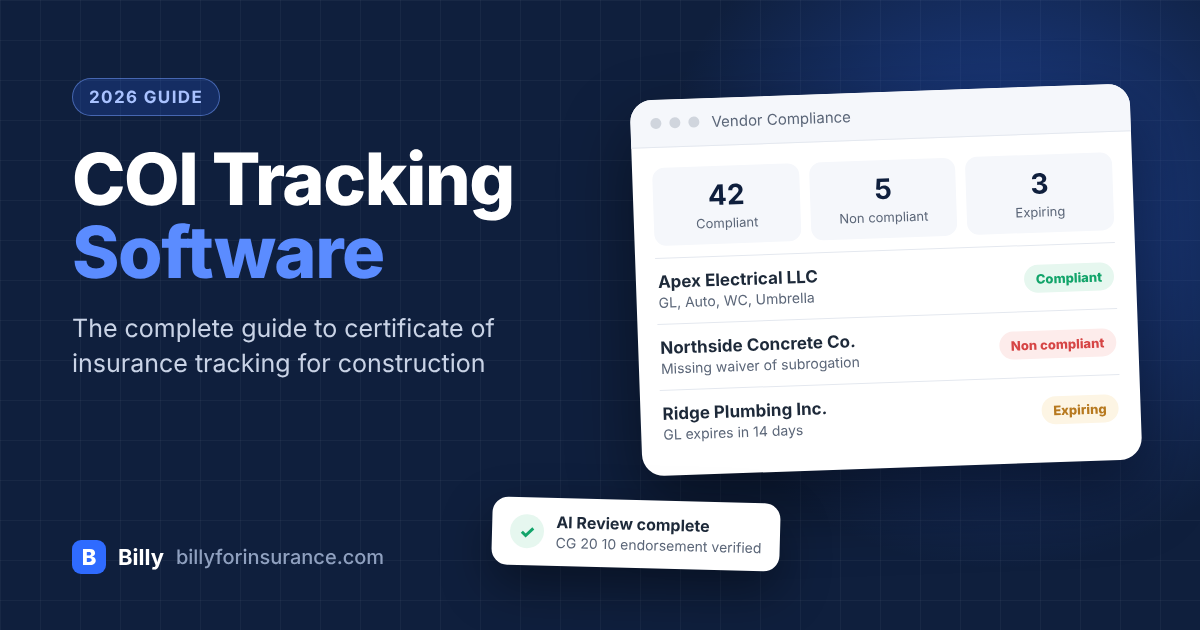
Billy gives your team one dashboard for certificates of insurance, W9 tax forms, business licenses, and any other compliance document you require. Every vendor is clearly marked compliant, non compliant, expiring, or waived.
Illustrative example. Vendor names are fictional.
2. Collect COIs with no vendor logins
Vendors and their brokers upload documents through a simple link. No account, no password, no support tickets. Billy’s automations send the request, chase the follow ups, and stop manual back and forth with brokers. Subcontractors can also keep their documents ready to share in the Billy Insurance Wallet.
3. Let AI review every certificate down to the endorsement
Billy’s AI Review Assistant reads certificates and endorsements the way an experienced risk manager would, checking for provisions like CG 20 10 additional insured status, waiver of subrogation, and notice of cancellation. Your team reviews the flagged items instead of every page.
- ✓General liability limits meet the $1M / $2M requirement
- ✓Additional insured CG 20 10 and CG 20 37 endorsements attached
- ✓Primary and noncontributory wording confirmed
- ✕Waiver of subrogation referenced on certificate but no endorsement provided
- !Certificate holder name does not match the legal entity in the subcontract
Want to do this by hand first? Our complete guide to reviewing a certificate of insurance covers every check, and our breakdown of insurance certificate verification for construction explains why endorsement level review matters.
4. Never miss an expiration
Billy tracks every policy date and automatically notifies vendors before coverage lapses, so renewals arrive before the old policy runs out, not after an incident.
5. Work inside the tools you already use
Billy pulls project and vendor data straight from your project management and ERP systems, which removes duplicate data entry. Integrations include Procore, Autodesk, Sage 300, Sage Intacct, CMiC, Viewpoint Vista, and more. Procore users can see everything Billy does from inside Procore in our Billy + Procore webinar recap.
6. Choose self service or let us run it
Run compliance in house with Billy Self Service, or hand the work to Billy’s team with Managed Services. Need to vet subs before they bid? Add the subcontractor prequalification tool.
Upload a COI and watch Billy review it
See the AI Review Assistant flag missing endorsements in seconds.
Try the AI Review Assistant Talk to Our TeamSpreadsheet vs. generic tools vs. Billy
| Capability | Spreadsheet + email | Generic vendor tool | Billy |
|---|---|---|---|
| Automated COI requests and follow ups | No | Usually | Yes |
| Vendor uploads with no login | No | Varies | Yes |
| Endorsement level review (AI, WOS, PNC) | Manual | Often surface level | AI Review Assistant |
| Construction project requirements | Manual | Limited | Built for construction |
| Expiration alerts to vendors | No | Usually | Yes |
| Procore, Autodesk, Sage integrations | No | Limited | Native |
| W9s, licenses, lien waivers in one place | No | Varies | Yes |
| Fully managed option | No | Varies | Yes |
How to choose COI tracking software
Use this checklist when you compare certificate of insurance tracking software. For a side by side look at the leading platforms, see our ranking of the best COI tracking software in 2026.
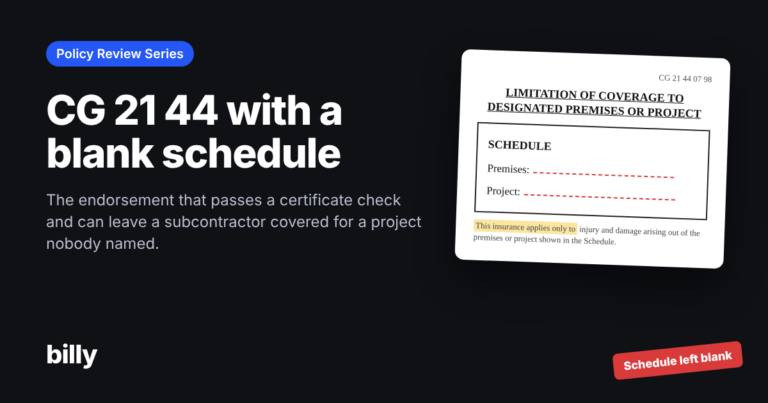
- ✓Industry fit. Does it understand construction requirements like per project aggregates, completed operations, and project specific endorsements such as CG 21 44?
- ✓Endorsement review. Does it check the actual endorsements, or only the ACORD checkboxes?
- ✓Vendor experience. Can subs and brokers upload without creating an account?
- ✓Integrations. Does it sync with your project management and accounting systems?
- ✓Beyond COIs. Can it also track W9s, licenses, NTOs, and lien waivers?
- ✓Service model. Can you run it yourself and also outsource the work when your team is stretched?
General contractors can see how Billy checks every box on our page for COI tracking software for general contractors.
COI tracking FAQ
What is COI tracking software?
What does COI stand for in insurance?
Is a certificate of insurance proof of coverage?
What is the difference between a certificate holder and an additional insured?
How often should COIs be collected?
Can I track COIs in Excel?
Does Billy integrate with Procore?
Keep reading
Make COI tracking the easiest part of your week
Join the general contractors who trust Billy to manage construction COI compliance.
Try Billy Free Read Case Studies