Billy extends Procore so general contractors can prequalify subcontractors, track insurance and vendor documents, and hold payments for non-compliant subs without leaving Procore. On October 14, 2026, the Billy and Calance teams walked through the full Procore vendor compliance workflow live, just ahead of Procore Groundbreak in Orlando. Watch the full recording below.
What this recap covers
- Subcontractor prequalification and financial scoring
- Procore sync for vendors, projects and compliance status
- Company-level compliance for insurance, W-9s, licenses and endorsements
- Project-level compliance before subs reach the jobsite
- Sage Intacct payment holds tied to compliance status
- Procore AI working alongside Billy’s compliance data

The session was presented by Michael Roddy, Nyasha Gutsa Harmony and Hurricane Hamilton from Billy, with Evan Hollier and Daniel Williams from Calance.
Prequalification
How do you prequalify subcontractors in Procore?
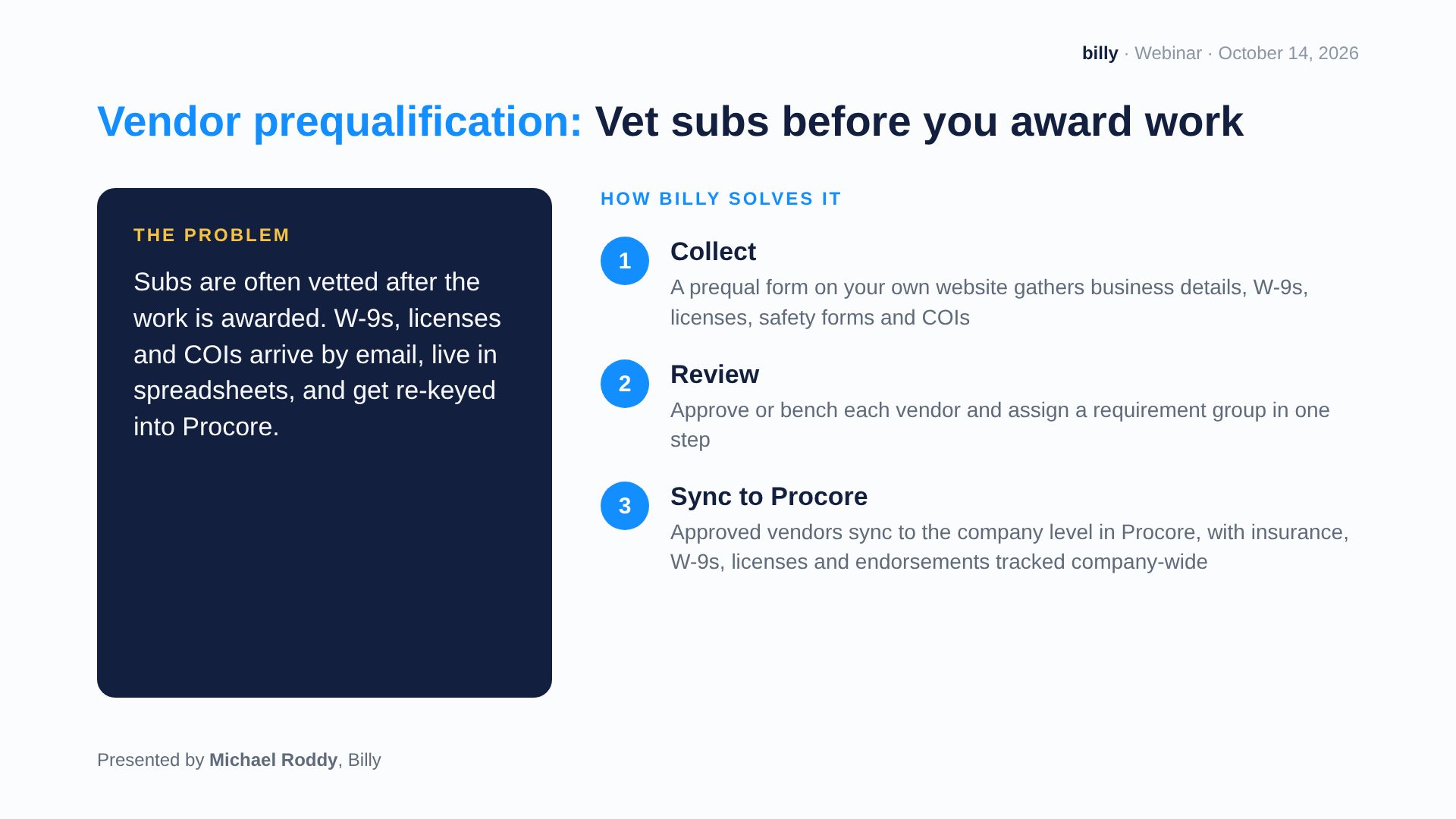
Billy lets you prequalify subcontractors before you award work, then syncs approved vendors into Procore. Many teams only vet a sub after the work is awarded. Their W-9s, licenses and COIs arrive by email, sit in spreadsheets, and get re-keyed into Procore by hand.
Billy replaces that with three steps:
- Collect. A prequal form on your own website gathers business details, W-9s, licenses, safety forms and certificates of insurance.
- Review. Approve or bench each vendor and assign a requirement group in one step.
- Sync to Procore. Approved vendors sync to the company level in Procore, where their insurance, W-9s, licenses and endorsements are tracked company-wide.
Financial scoring and bonding capacity
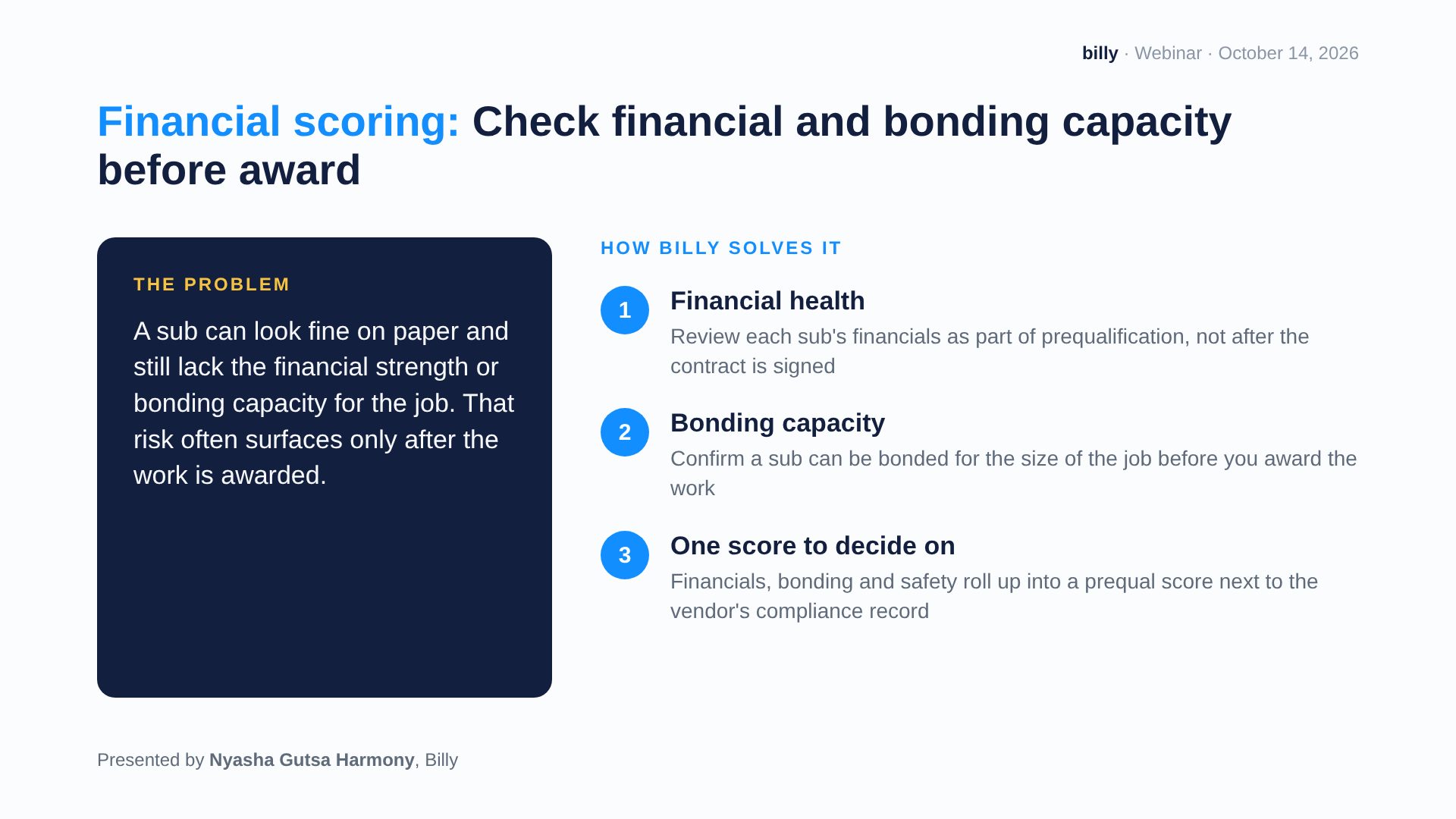
A subcontractor can look fine on paper and still lack the financial strength or bonding capacity for the job. Billy brings that check into prequalification, so the risk surfaces before the contract is signed, not after.
- Financial health: review each sub’s financials as part of prequalification.
- Bonding capacity: confirm a sub can be bonded for the size of the job.
- One prequal score: financials, bonding and safety roll up into a single score next to the vendor’s compliance record.
For a deeper look, read our guide to subcontractor prequalification without the guesswork.
Procore sync
How does Billy sync with Procore?
Billy keeps vendor, project and compliance data in sync with Procore, so your team never enters the same vendor twice. Compliance status flows back into Procore, and project managers see it in the Billy side panel in Procore without logging into another system.
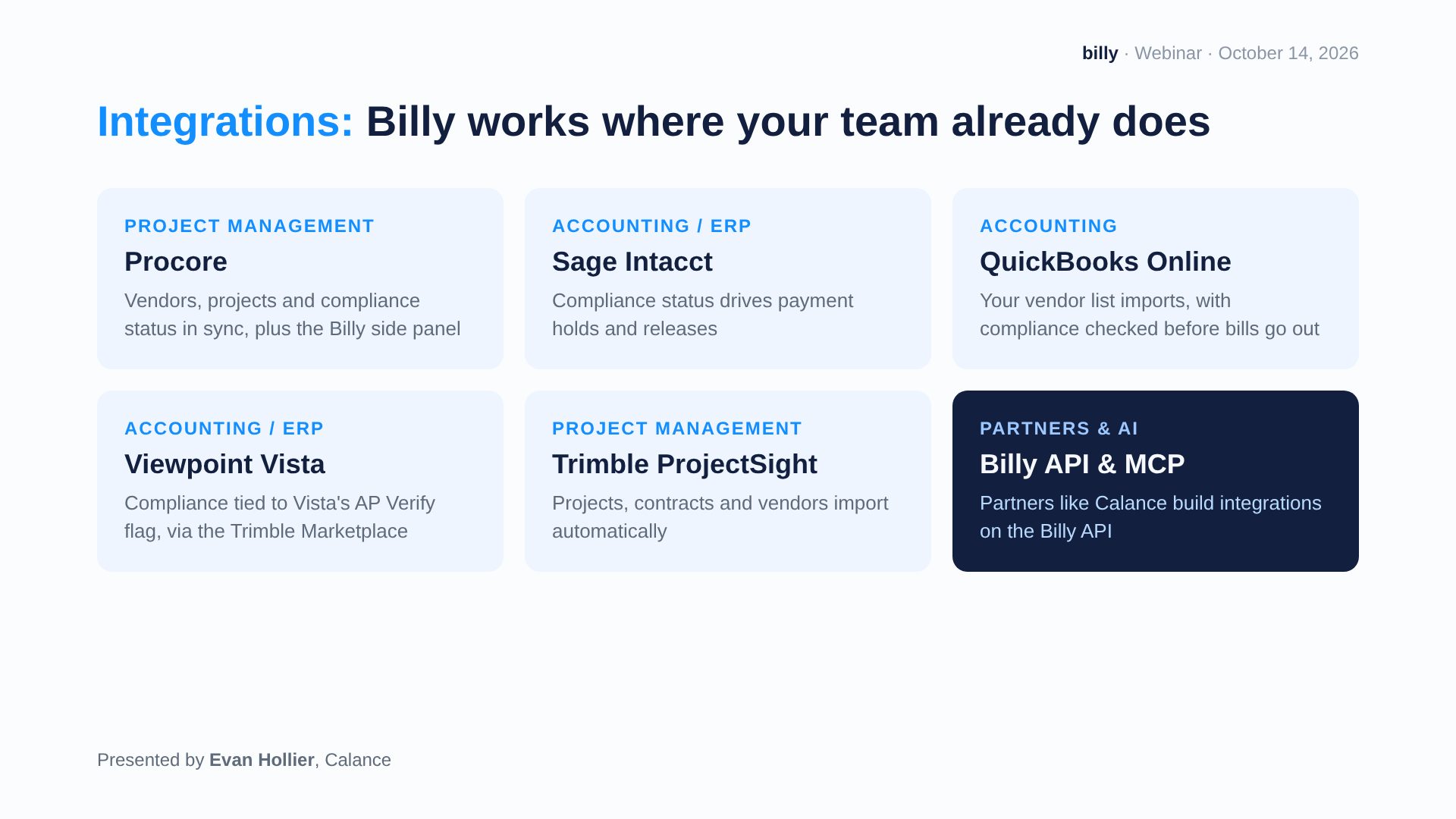
Procore is one of several platforms Billy connects to. The same compliance record also works with:
| Platform | What Billy does |
|---|---|
| Procore | Syncs vendors, projects and compliance status, plus the Billy side panel |
| Sage Intacct | Holds and releases payments based on compliance status |
| QuickBooks Online | Imports your vendor list and checks compliance before bills go out |
| Viewpoint Vista | Ties compliance to Vista’s AP Verify flag through the Trimble Marketplace |
| Trimble ProjectSight | Imports projects, contracts and vendors automatically |
| Billy API and MCP | Lets partners like Calance build their own integrations |
Want more out of Procore itself? See our Procore best practices for general contractors.
Compliance
How do you track subcontractor insurance compliance in Procore?
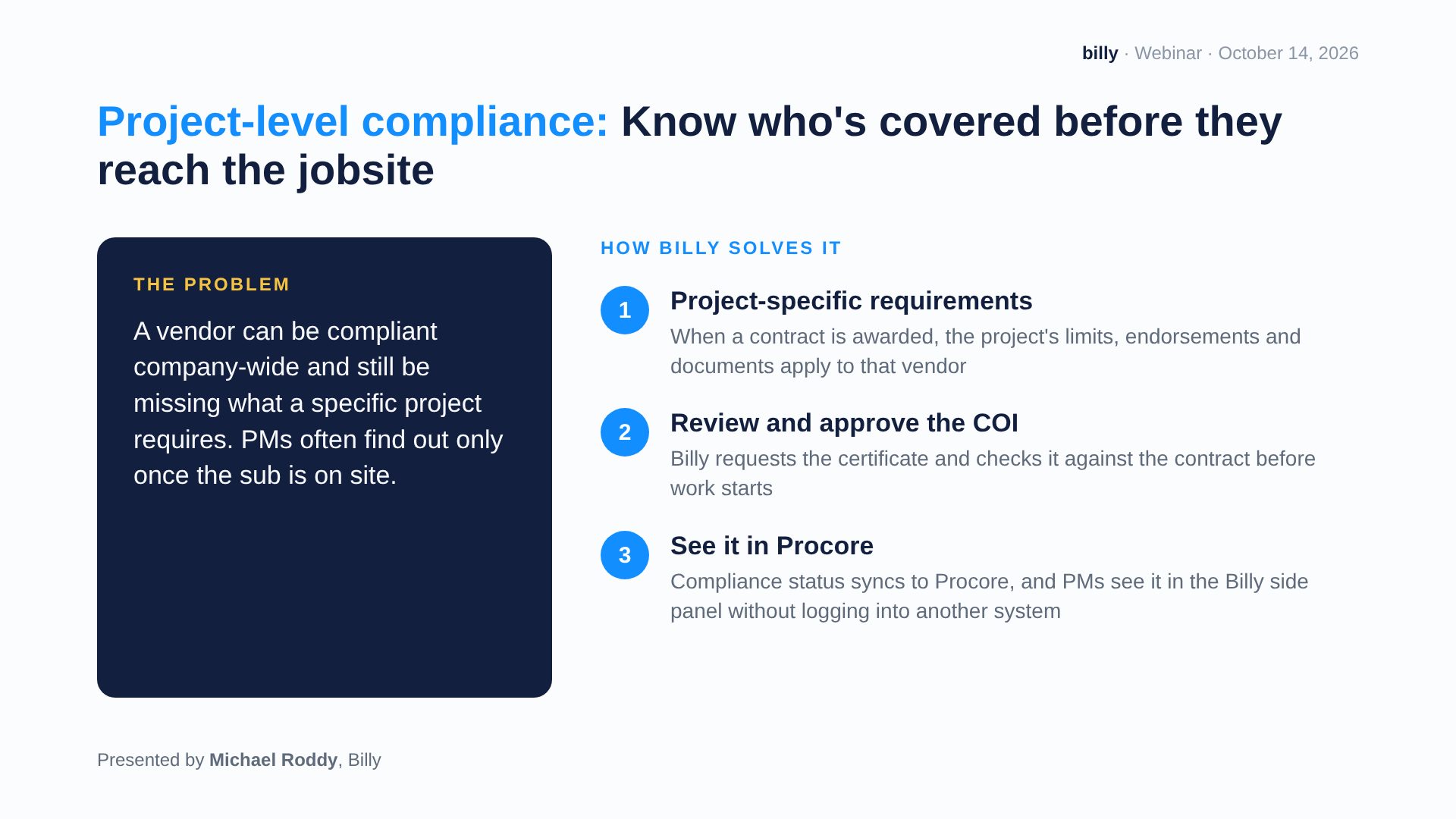
Billy tracks compliance at two levels: across your whole company, and on each project. A vendor can be compliant company-wide and still be missing what one specific project requires. Too often, PMs only find out once that sub is already on site.
Company-level vendor compliance
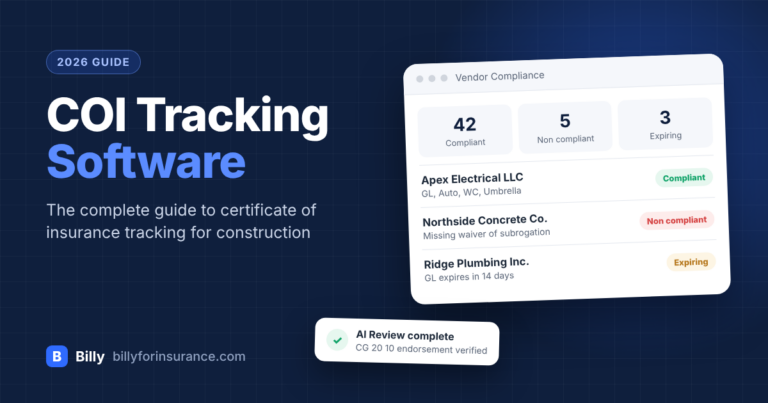
Billy manages every vendor requirement across your organization in one place: certificates of insurance, W-9s, licenses, endorsements and any other documents you require. Each requirement shows as active, inactive or waived, so you can see at a glance who is fully compliant. If your team still reviews certificates by hand, start with our complete guide to reviewing a certificate of insurance.
Project-level compliance
When a contract is awarded, Billy makes sure the vendor meets that project’s requirements before work starts:
- Project-specific requirements. The project’s insurance limits, endorsements and documents apply to that vendor automatically.
- Review and approve the COI. Billy requests the certificate and checks it against the contract.
- See it in Procore. Compliance status syncs to Procore, so PMs know who is covered before the sub reaches the jobsite.
Sage Intacct
Can compliance status control subcontractor payments in Sage Intacct?
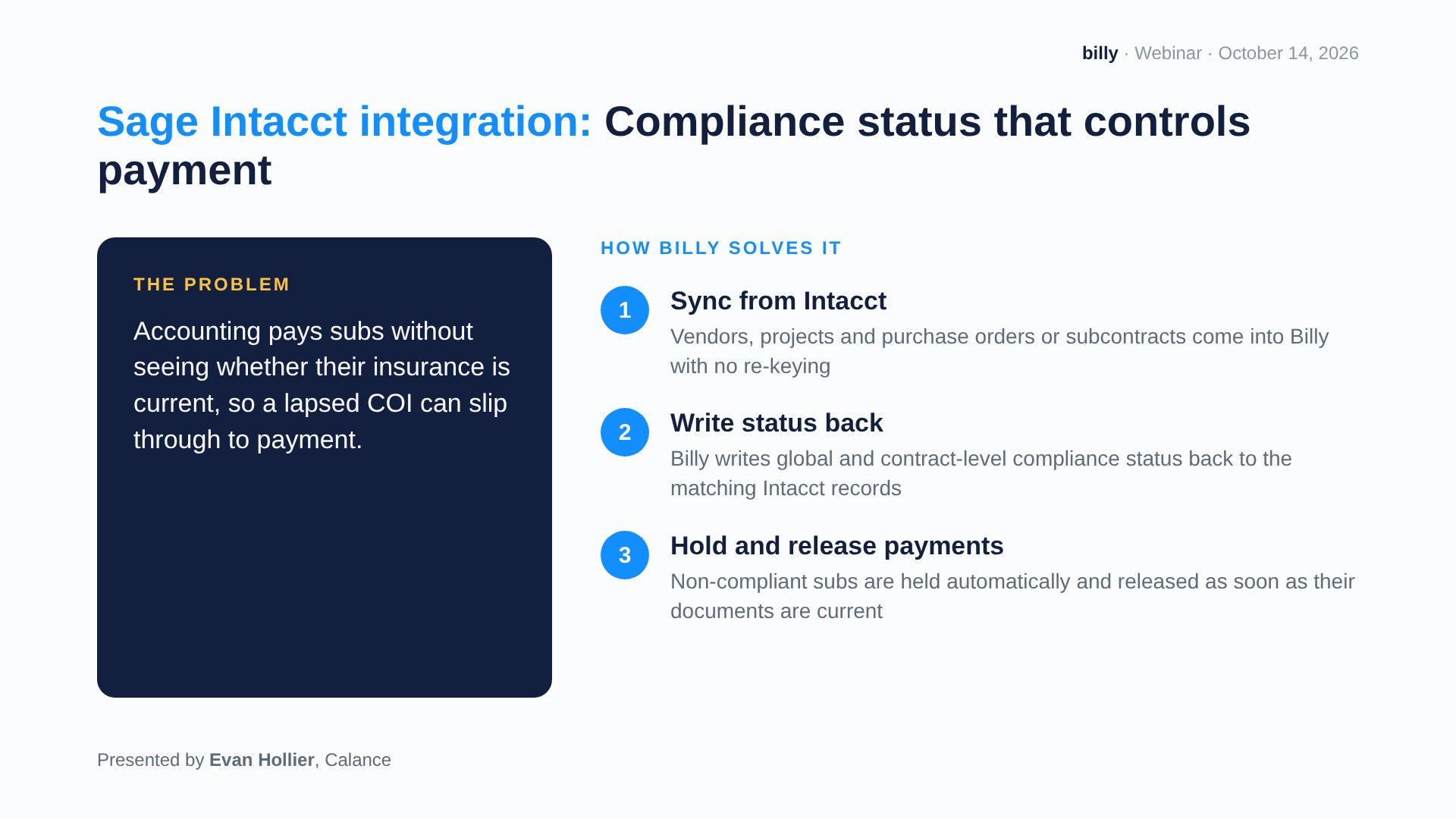
Yes. With the Billy + Sage Intacct integration, non-compliant subcontractors are held from payment automatically. Without it, accounting often pays subs without knowing whether their insurance is current, so a lapsed COI can slip through to payment.
Here’s how it works:
- Sync from Intacct. Vendors, projects, and purchase orders or subcontracts come into Billy without re-keying.
- Write status back. Billy writes global and contract-level compliance status back to the matching Intacct records.
- Hold and release payments. Non-compliant subs are held automatically, then released as soon as their documents are current.
Setting it up? Follow the Billy + Sage Intacct configuration guide.
Procore AI
How does Billy work with Procore AI?
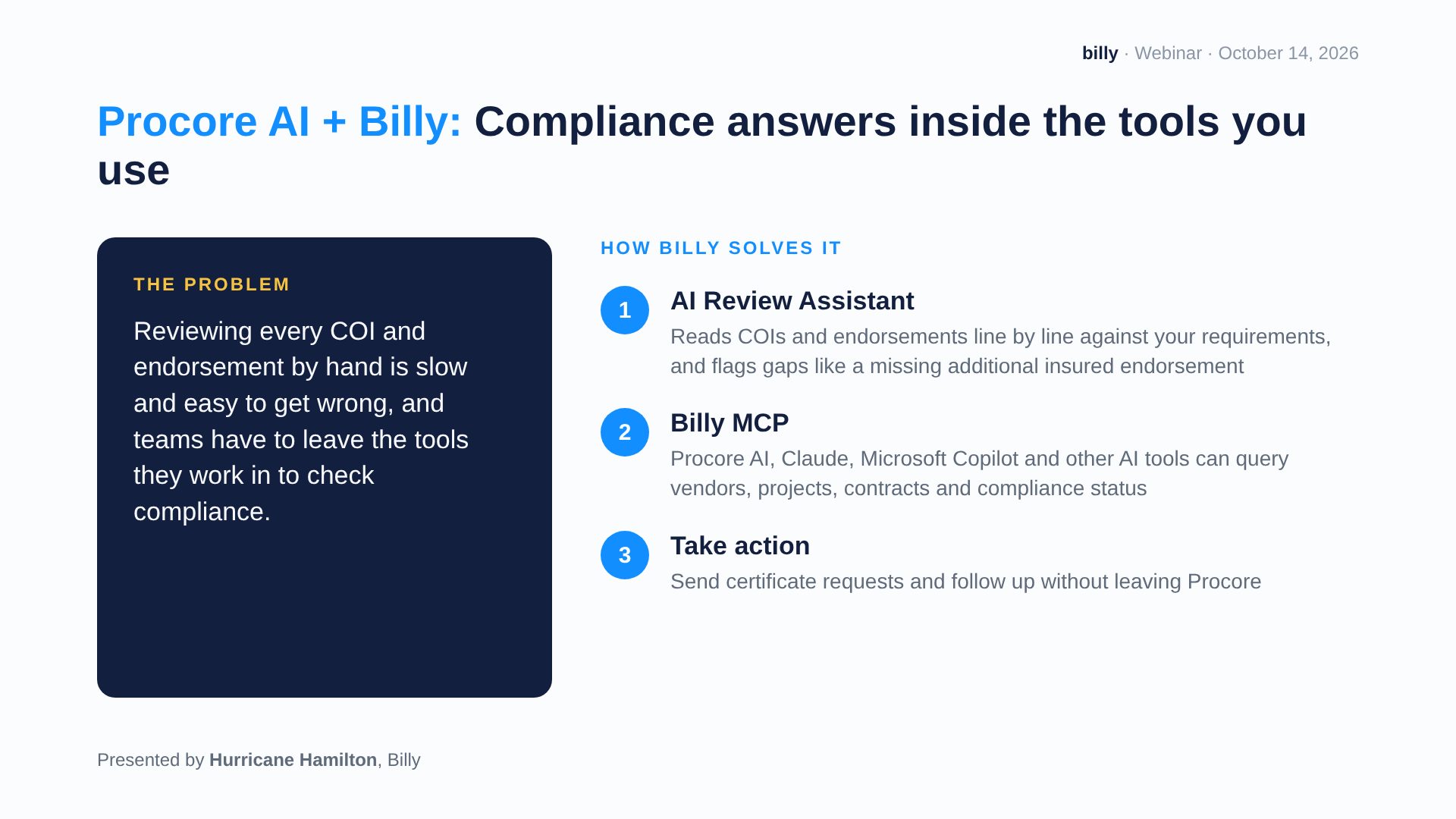
Billy’s compliance data is available to Procore AI and other AI tools, so your team gets compliance answers inside the tools they already use. Reviewing every COI and endorsement by hand is slow and easy to get wrong. On top of that, teams usually have to leave Procore just to check a sub’s status.
- AI Review Assistant. The Billy AI Review Assistant reads COIs and endorsements line by line against your requirements. It flags gaps such as a missing additional insured endorsement.
- Billy MCP. Procore AI, Claude, Microsoft Copilot and other AI tools can look up vendors, projects, contracts and compliance status through Billy’s MCP server.
- Take action. Send certificate requests and follow up with vendors without leaving Procore.
AI is a strong first pass, but it works best alongside a human reviewer. Read what AI COI review catches, what it misses, and why you need both, or see how to automate COI review with AI.
FAQ
Frequently asked questions
What is Billy?
Billy is a construction compliance platform. It collects, verifies and tracks certificates of insurance, W-9s, licenses and other vendor documents for general contractors, and connects to Procore, Sage Intacct and other construction software.
Does Billy integrate with Procore?
Yes. Billy syncs vendors, projects and compliance status with Procore. Project managers can see compliance in the Billy side panel inside Procore.
Can I prequalify subcontractors in Procore with Billy?
Yes. Subcontractors fill out a prequal form on your website. Your team approves or benches them in Billy, and approved vendors sync to Procore.
Can Billy check a subcontractor’s bonding capacity?
Yes. Billy reviews financials and bonding capacity during prequalification, then rolls financials, bonding and safety into one prequal score.
Can Billy hold payments to non-compliant subcontractors?
Yes, with Sage Intacct. Billy writes compliance status back to Intacct, holds payments for non-compliant subs, and releases them once their documents are current.
Does Billy work with Procore AI?
Yes. Through Billy’s MCP server, Procore AI and other AI tools such as Claude and Microsoft Copilot can look up vendor and compliance data from Billy.
Where can I watch the Billy + Procore webinar?
The full recording is on YouTube at youtu.be/6B9Zaw9xX7A and embedded at the top of this post.
See Billy + Procore for your team
If your team runs on Procore, Billy closes the gap between prequalification, compliance and payment. See the full workflow on your own vendors and projects.
Heading to Procore Groundbreak in Orlando? Come find the Billy team there.