If you’re a general contractor, you’ve seen this a thousand times. A sub sends a COI and says “you’re covered.” The COI lists you as the certificate holder. Your contract requires you to be an additional insured. Everyone assumes those are the same thing, until there’s a claim.
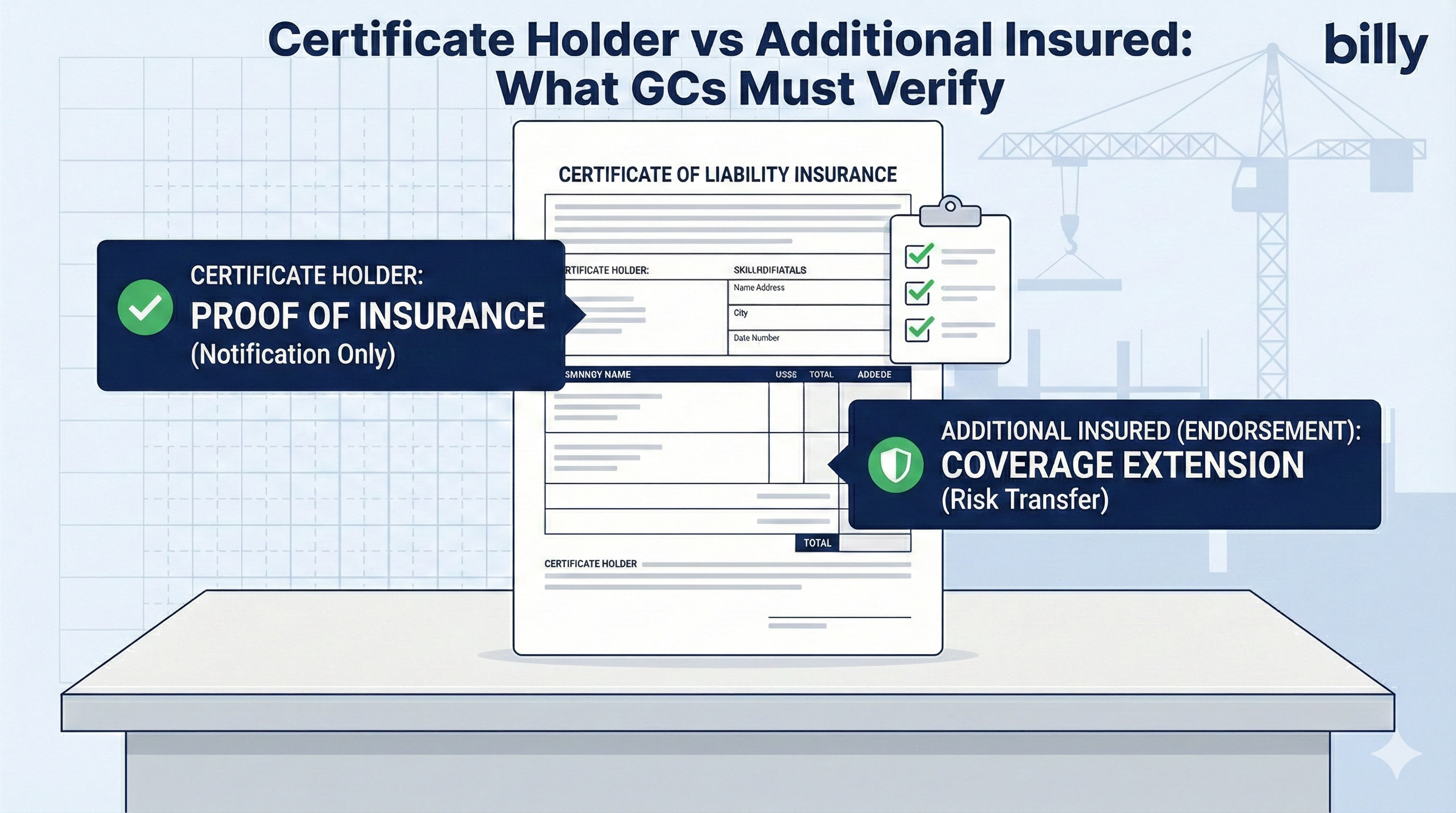
A certificate holder is simply the party the certificate of insurance was issued to. It gets proof that a policy exists, but no coverage under it.
An additional insured is added to the policy itself through an endorsement, so it can be defended and covered for claims arising from the named insured’s work.
Certificate holder = proof. Additional insured = protection.
Certificate Holder vs. Additional Insured: Side by Side
| Certificate holder | Additional insured | |
|---|---|---|
| What it means | The party the COI is issued to | A party added to someone else’s policy |
| How you get it | The broker types your name in the certificate holder box | The carrier attaches an additional insured endorsement to the policy |
| Coverage under the policy? | No | Yes, within the endorsement’s scope |
| Insurer must defend you? | No | Usually, for covered claims from the sub’s work |
| Cancellation notice? | Sometimes, but not guaranteed | Depends on policy terms |
| Proof required | The COI | The endorsement itself, such as CG 20 10 and CG 20 37 |
| Cost to the sub | Free | Often small or none, varies by carrier |
Every additional insured is usually also listed as certificate holder on the COI. But a certificate holder is not automatically an additional insured.
What Each One Means
Certificate holder
Who the certificate was issued to
What it does:
- Shows the vendor had insurance on the date the COI was issued
- Sometimes gives the holder notice if the policy cancels, though that isn’t guaranteed
What it doesn’t do:
- Give you coverage under the policy
- Require the insurer to defend you
- Change the policy in any way
Additional insured
Covered under someone else’s policy
What it does:
- Extends the sub’s general liability coverage to you for certain claims arising from their work
- Usually triggers the sub’s insurer’s duty to defend you
- Keeps losses from the sub’s work off your own policy and loss history
How it’s granted:
- Only through an additional insured endorsement, never by the COI alone
Where to Find Each One on a COI (ACORD 25)
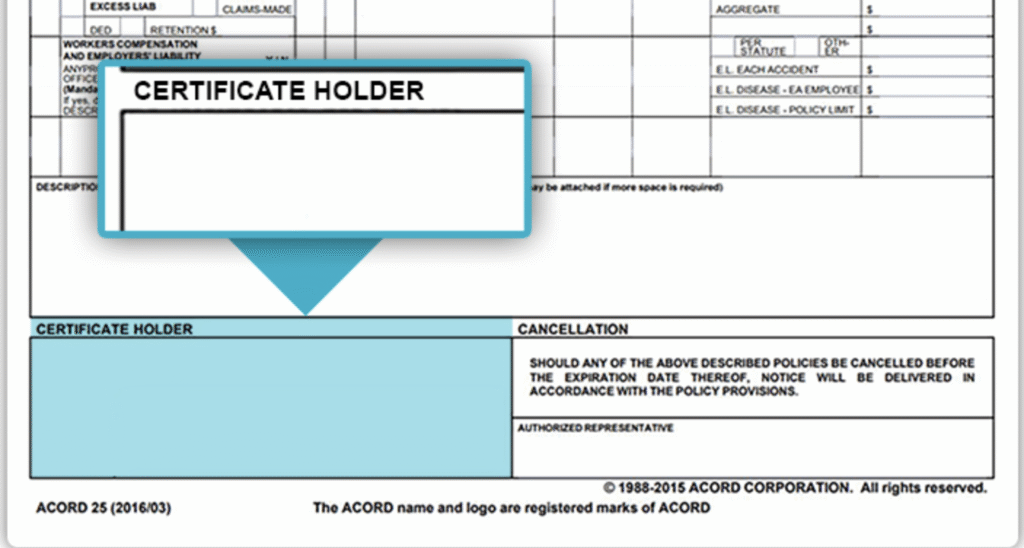
The certificate holder box
On the standard ACORD 25, the certificate holder box sits at the bottom left. It shows your company name and address. Check that the legal entity is exactly right, not a DBA or a parent company.
Additional insured on the COI
Additional insured status shows up in two places on the ACORD 25:
- The ADDL INSD column in the coverages table. A “Y” beside general liability means the broker says an additional insured endorsement applies.
- The Description of Operations box, which usually names who is additional insured and on which endorsement.

This is where teams get burned. Both of those are statements by the broker. Neither one changes the policy. If the endorsement isn’t attached, or it’s the wrong form, you may not be covered no matter what the COI says. Here’s why a COI isn’t an endorsement, and our ACORD 25 walkthrough covers every box.
Additional Insured Wording Examples
Here’s what to expect on a certificate of insurance when you’re properly named as an additional insured. Exact wording varies by broker.
Good: names you, the forms and the scope
Acceptable: blanket wording, if your contract triggers it
Not enough on its own: vague wording, no form named
In every case, ask for the endorsement pages. The wording on the COI tells you what to look for. The endorsement tells you what you actually have. For the details on each form, see CG 20 10 and CG 20 37.
4 Common Construction Scenarios
1. You’re listed as certificate holder only
The COI shows your company as certificate holder. There’s no “Y” under ADDL INSD, no additional insured wording and no endorsement.
You’re almost certainly not covered2. The COI says “additional insured,” but there’s no endorsement
The Description of Operations box names you as additional insured, but the sub never sends the endorsement.
Still high risk. COI wording isn’t a policy change.3. There’s an endorsement, but it’s the wrong one
The sub sends an endorsement, but it only covers ongoing operations when you need completed operations too, or it’s missing primary and non-contributory wording, or your entity name is wrong.
Partial coverage at best4. The right endorsements are attached and match your contract
CG 20 10 and CG 20 37 (or equivalents) name your exact entity or use blanket wording your contract triggers, with primary and non-contributory and waiver of subrogation where required.
CompliantWhat GCs Should Verify Every Time
If your subcontract requires additional insured status, check all of this before the sub starts work:
- You’re added by endorsement, not just named on the COI, and it applies to the right policy, usually general liability.
- The endorsement matches your contract: ongoing operations, completed operations, primary and non-contributory and waiver of subrogation.
- Your legal entity is exact, including any owner or project LLC your prime contract requires.
- Dates and limits fit the project: the policy period covers the work, and GL, auto, workers comp and umbrella limits meet your minimums.
- The documents are tied to the right vendor and project, ideally to the commitment, so they’re easy to find at payment, closeout or in a dispute.
Check additional insured status on every COI automatically
Billy reads each COI and its endorsements, confirms you’re an additional insured on the right forms, and flags what’s missing before the sub gets paid.
Book a demoThe “Don’t Get Burned” GC Workflow
- Intake. Collect the COI PDF and every required endorsement: additional insured, primary and non-contributory, and waiver of subrogation.
- Validate. Confirm the certificate holder name and address, that the additional insured endorsement exists and matches your contract, and that limits and dates are compliant.
- Record. Track the vendor and project, the expiration date and a clear status such as Allowed, Conditional or Not Allowed.
- Remind. Send renewal reminders 30, 14 and 3 days before expiration, and missing-endorsement requests right away.
- Gate. Don’t let a non-compliant sub start work or get paid until the requirements are met.
Where Billy Fits
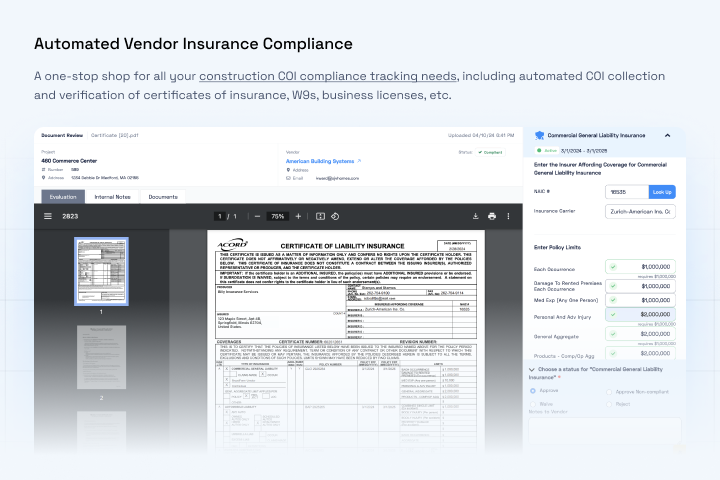
Billy turns this workflow into a system, so it isn’t a manual “COI detective” job:
- COIs and endorsements in one place
- Consistent checks on every document, including additional insured requirements
- Expiration tracking and automatic reminders
- Documents linked to vendor and project, with status shown in Procore and your ERP
- An audit trail that shows who reviewed what, and when
Frequently Asked Questions
Is a certificate holder covered under the policy?
Usually not. Being listed as certificate holder on a COI doesn’t give you any coverage. It only shows you received proof that the policy exists.
Does “additional insured” on a COI guarantee coverage?
No. Additional insured status comes from an endorsement attached to the policy. The COI only states that the endorsement exists, so ask for the endorsement page to confirm it.
Can you be both a certificate holder and an additional insured?
Yes, and on construction projects you usually are. The GC is listed in the certificate holder box and is also added to the sub’s policy by endorsement.
Why do contracts require additional insured status?
It moves the risk from the sub’s work onto the sub’s insurer. If a claim arises from their work, their policy defends and pays, instead of yours.
How do I get added as an additional insured?
Require it in the subcontract, then ask the sub’s broker to add you by endorsement, typically CG 20 10 and CG 20 37 or blanket equivalents. Collect the endorsement pages along with the COI.
What should I do if a sub won’t provide the endorsements?
Treat the sub as non-compliant until it’s resolved. If you make an exception, document it and set an expiration date.
Stop chasing COIs and endorsements
See how GCs use Billy to verify additional insured status across every sub and project.
Book a walkthrough