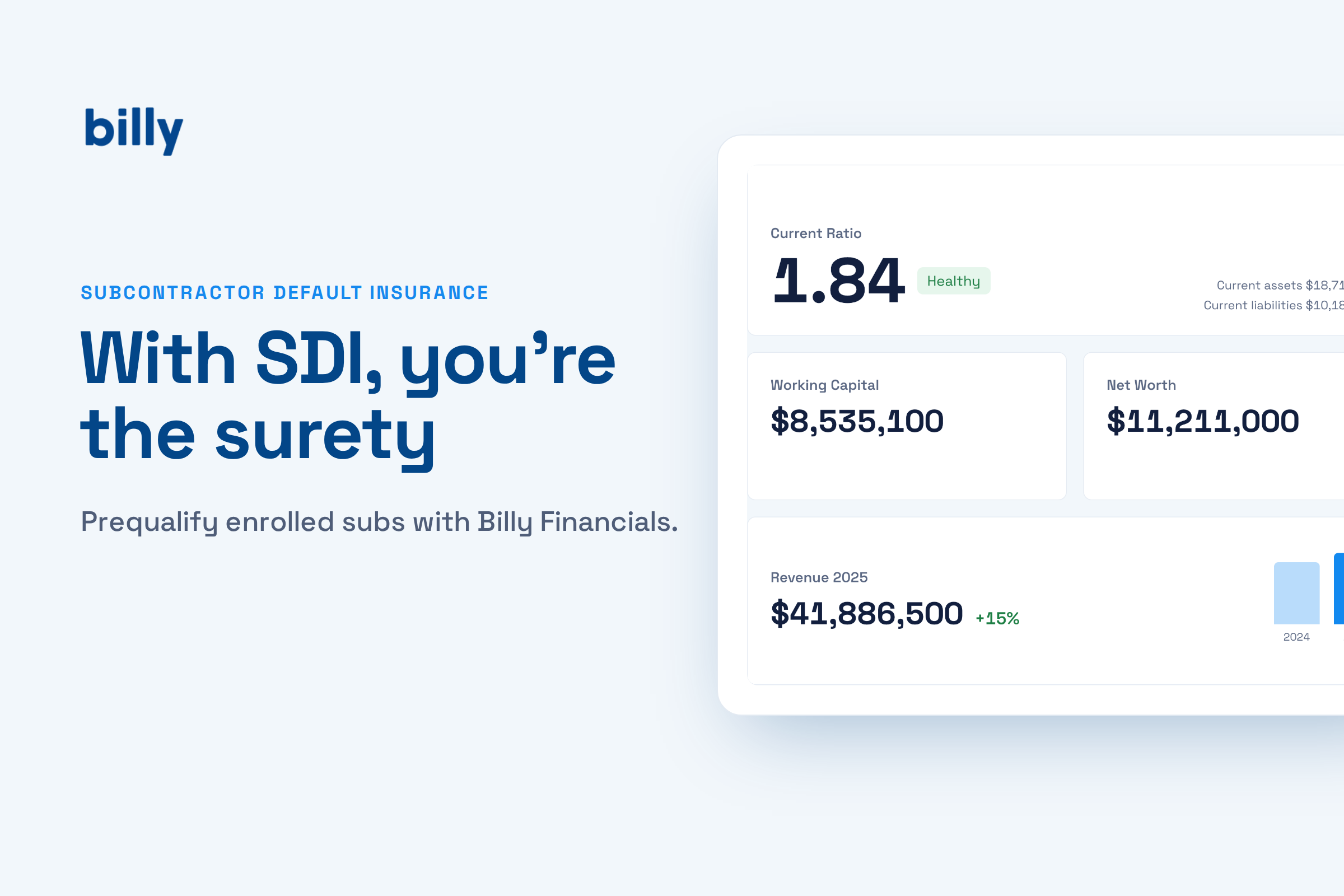
With subcontractor default insurance, you’re the surety. The carrier covers losses when an enrolled sub fails, but you choose the subs, you decide who gets enrolled, and you carry the deductible.
That makes subcontractor default insurance prequalification the part of an SDI program that actually protects you. Carriers expect a documented prequalification process, and if a subcontractor didn’t meet underwriting standards or wasn’t properly enrolled, coverage can be limited, excluded, or challenged when you file a default claim.
Billy’s Financials tab gives SDI contractors a place to run that review, keep the evidence, and keep watching each sub’s capacity after they’re enrolled.
Why subcontractor default insurance changes the prequalification math
On a bonded job, a surety underwrites the subcontractor before issuing the bond. It reviews the sub’s financial statements, credit, experience, and current workload, and only approves subs that pass. The GC gets that vetting for free.
Subcontractor default insurance moves that job to you. Rather than a surety performing prequalification, the GC prequalifies the trades, and the GC decides when a sub is in default. That autonomy is a big reason GCs choose SDI. It also means the quality of your financial review directly decides how many losses you absorb.
Under SDI, every default below your deductible is paid with your money.
Those deductibles are large. Arch, for example, lists a minimum deductible of $750K on its SDI program and requires at least $100M of annual enrollment. At that scale, a weak prequal process shows up quickly on the balance sheet.
What subcontractor default insurance carriers expect to see
Carriers don’t hand out SDI programs on trust. Arch’s listed requirements include two years of subcontract data along with documented prequalification and QA/QC procedures. More broadly, carriers expect contractors to document financial, operational, and performance risk before coverage applies.
Premiums follow the same logic. When you apply, the carrier assesses the default risk of the subcontractors you plan to cover, and a riskier roster usually means higher premiums.
In practice, that means three things for your prequal file: consistent financial criteria applied to every enrolled sub, the source documents behind each decision, and proof that you kept checking after enrollment.
How SDI contractors use Billy Financials
Put the capital check on the vendor record
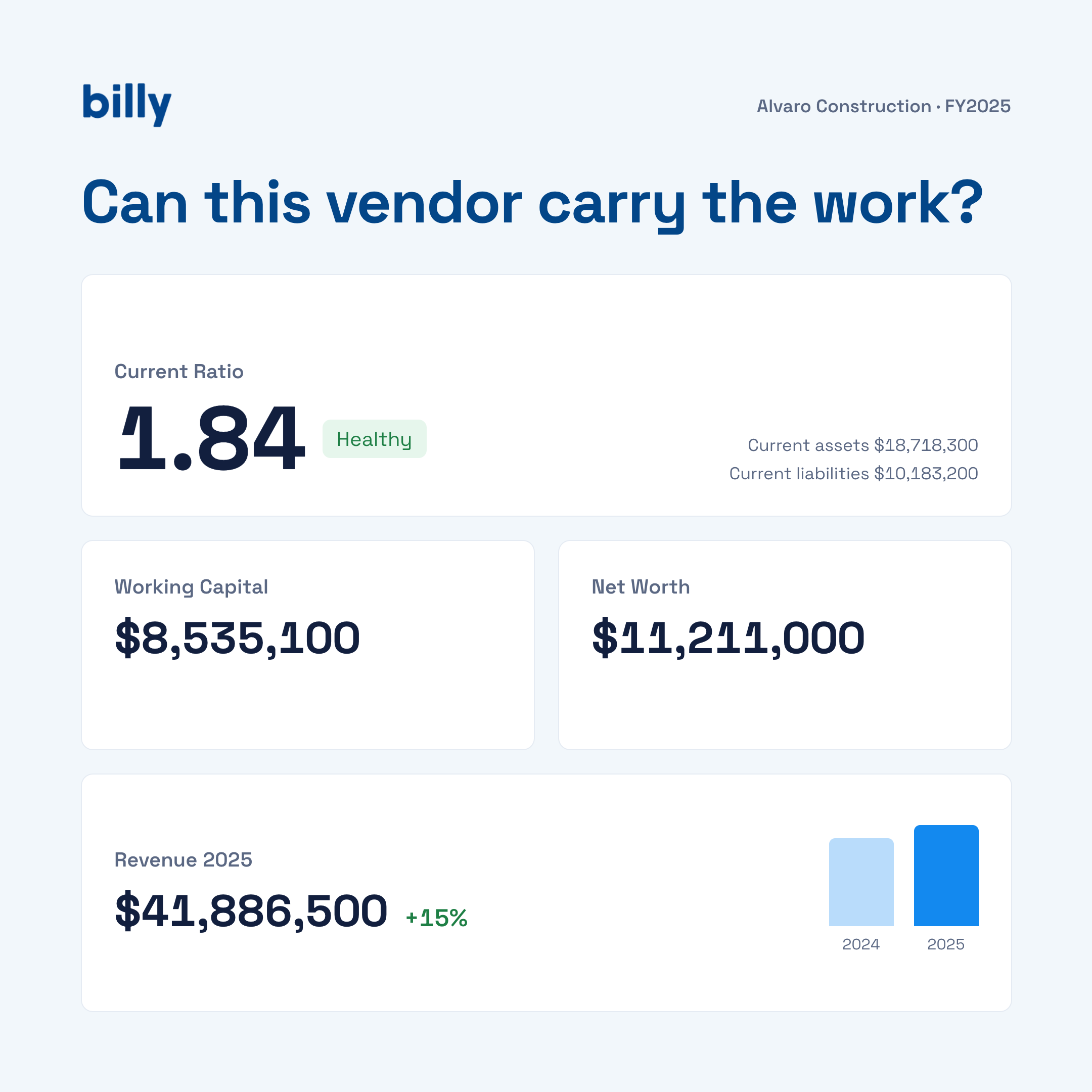
The Financials tab shows current ratio, working capital, net worth, line of credit, and bank reference in one place. Current ratio is flagged automatically: healthy at 1.50 or above, worth watching between 1.20 and 1.50, and a concern below 1.20. A common guideline is positive working capital of at least 10% of the contract you’re about to award, a current ratio above 1.2, and equity that hasn’t dropped from the prior year.
Size each award against the sub’s revenue
Billy calculates Committed vs. Latest Revenue, your committed exposure as a share of the sub’s most recent annual revenue, and shows revenue history with year-over-year change from the prequal form. One prequalification rule of thumb caps a single project at about 25% of the sub’s annual revenue, so the award stays proportional to the size of the business.
Watch backlog, not just balance sheets
Current Backlog covers signed, unfinished work for all of the sub’s customers, not only you. A sub with a clean balance sheet and a backlog far beyond what they’ve ever delivered is exactly the sub that defaults on the next job. Billy puts backlog next to the balance sheet so you see both at once.
Use a surety letter as a second opinion
SDI enrollment may not use up a sub’s available bonding capacity, and many trades still keep a surety program for other customers. If a sub has one, upload the bonding letter. Billy reads the aggregate and single project bond limits and tracks your committed exposure against them, giving you an independent underwriter’s view to sit beside your own. If the sub has no surety program, the bonding cards stay empty and your review relies on the financial capacity section.
Keep the file audit-ready
Every statement and bond letter uploaded to the Financials tab is listed with the upload date and the person who uploaded it. Billy labels which figures are self-reported by the vendor and which come from the surety. When a carrier reviews your prequal procedures, or questions a claim, the evidence is already organized by vendor.
A sample enrollment review
Here’s how the figures above hold up for a sample vendor you’re considering enrolling on a $4.5M subcontract.
| Check | Sample vendor | Guideline | Result |
|---|---|---|---|
| Current ratio | 1.84 | Above 1.20, ideally 1.50+ | Healthy |
| Working capital | $8,535,100 | At least 10% of contract ($450K) | Well above |
| Revenue trend | $41.9M, +15% | Stable or growing | Growing |
| Committed vs. revenue | About 11% | Single project under ~25% of revenue | Within range |
| Backlog, all customers | $22.3M | Compare with revenue and history | Review |
This sub passes comfortably on a $4.5M award. The more useful question is what happens on the next bid. Under the 25% guideline, $41.9M in revenue points to a single-project ceiling around $10.5M. If you were weighing a $15M package, the revenue history in Billy tells you that award would be out of proportion to the business, even though their surety letter allows up to $20M on a single project. That is the kind of call SDI asks you to make yourself.
A prequal routine for enrolled subs
- Collect statements at prequal. Ask for the most recent fiscal year financials and a surety letter if the sub has one, and upload them to the Financials tab.
- Confirm the extracted figures. Check what Billy pulled from the documents, and use Edit Financials to fill gaps or correct values.
- Review before each award. Check current ratio, working capital, committed vs. revenue, and backlog against your program’s thresholds before enrolling the subcontract.
- Refresh annually. Upload new statements when the sub closes their fiscal year so revenue history and ratios stay current.
- Recheck on warning signs. A slow pay application, a rising backlog, or a new large award elsewhere is a reason to look again.
Your broker and carrier still handle enrollment reporting and claims. Billy keeps the financial review behind each enrollment decision on the vendor record, alongside the sub’s COIs, W-9, licenses, and prequalification form. For how Billy tracks surety limits against awarded work, see subcontractor bonding capacity: why tracking COIs isn’t enough.
Frequently asked questions
What is subcontractor default insurance?
SDI is a policy a general contractor buys to cover financial losses when an enrolled subcontractor defaults. The GC is the insured party, controls prequalification, and typically carries a large deductible and co-pay.
Does SDI replace bonds on every project?
No. SDI generally isn’t accepted in place of required bonds on publicly funded projects, which often call for statutory payment and performance bonds. Check the procurement rules for each project.
Why track bond limits if we use SDI?
A surety letter is an independent underwriter’s view of the sub’s capacity. Even when you aren’t requiring a bond, comparing your committed exposure to their surety limits is a useful second check alongside your own financial review.
Does Billy verify the vendor’s financial figures?
Bond limits come from the surety letter. Current ratio, working capital, net worth, and backlog are self-reported by the vendor, and Billy labels them that way. Uploading the underlying statements gives you the source documents behind each figure.
Prequalify every enrolled sub the same wayKeep the financial review, the source documents, and ongoing monitoring on each vendor record in Billy.
Book a demo