Playbook · Billy MCP
Quick answer
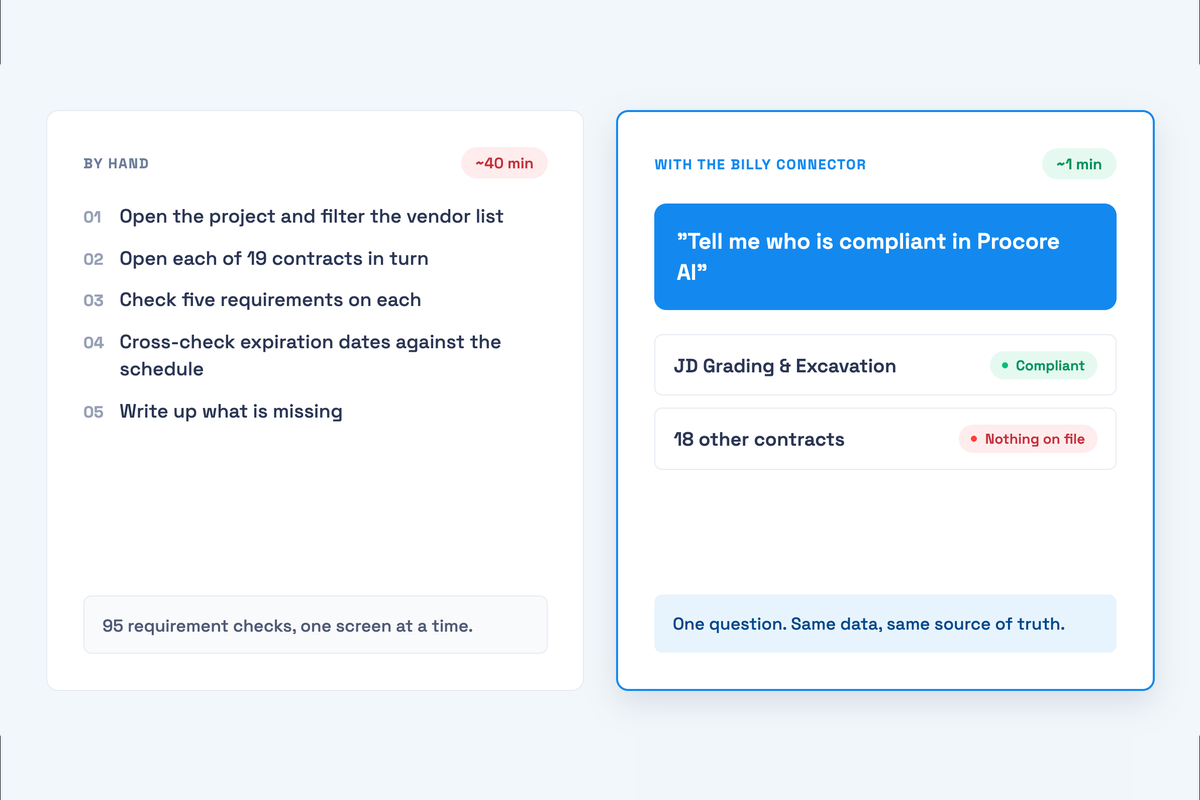
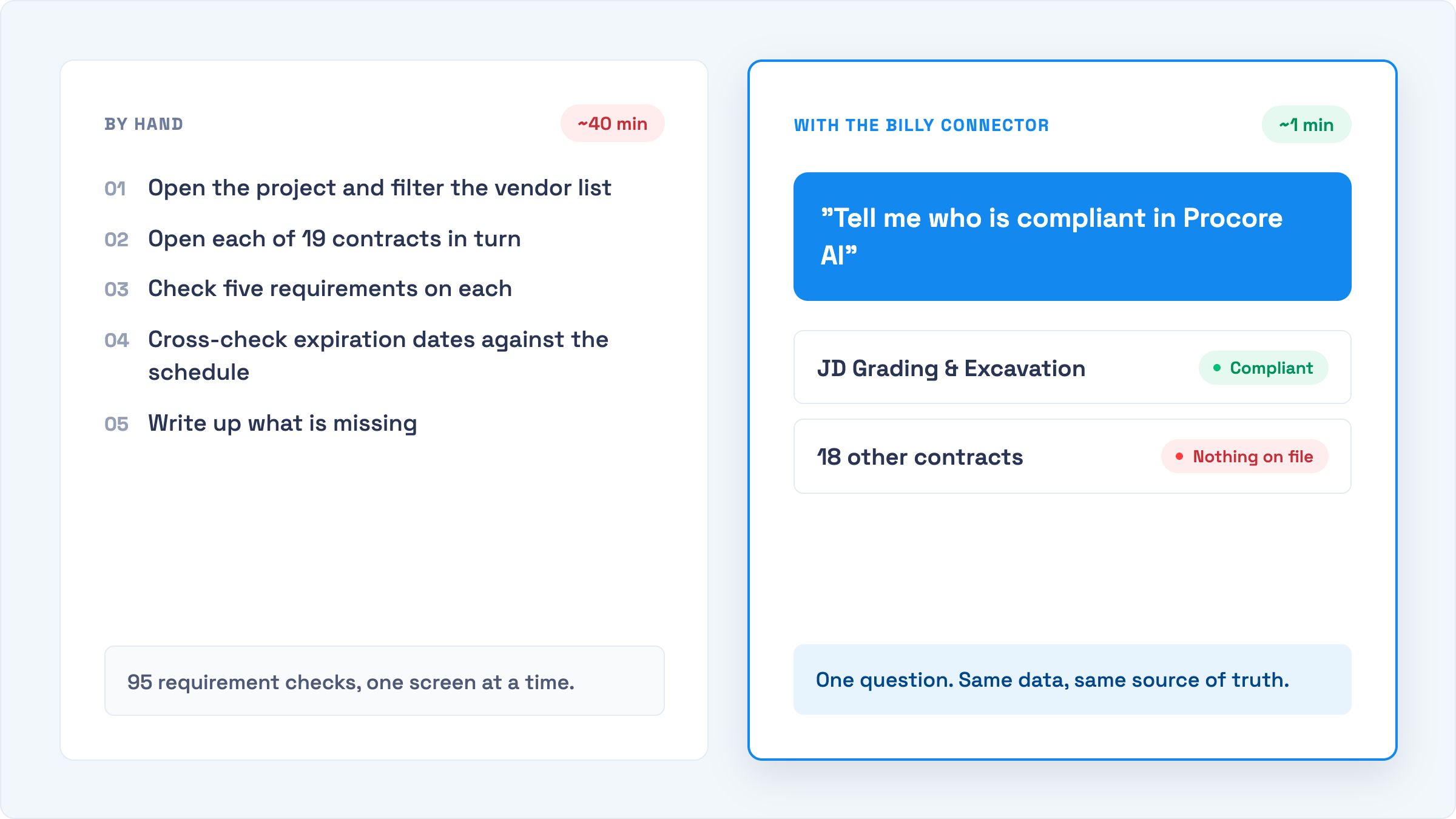
Once the Billy MCP server is connected to Microsoft 365 Copilot, Claude or ChatGPT, you can ask plain-language questions about subcontractor compliance and have the assistant act on the answer. Below are twelve prompts that cover the daily work of a project coordinator or risk manager: finding gaps, onboarding subs, chasing certificates, and reconciling Billy with your ERP or project platform. Each one lists the tools the assistant calls, so you know exactly what it will read or change.
Every prompt here has been run against the Billy demo environment. They work identically whether you’re talking to a Billy agent in Microsoft 365 Copilot or Teams, or to Claude or ChatGPT with the connector attached. Copy them as written, swap in your project and vendor names, and adjust the wording to your own voice. The assistant works out which Billy tools to call; the tool names are shown so you can see what is happening under the hood and decide where you want a confirmation step.
A note on scope: the MCP server reads teams, projects, vendors and contracts, and can create vendors and contracts and send certificate requests. It cannot read a certificate’s contents, change a compliance decision, or delete anything. Prompts that need document-level detail (limits, endorsements, expiration dates) are still answered in Billy itself or by the AI Review Assistant.
Visibility
“List every project we have in Billy and how many contracts are on each.”
The fastest portfolio snapshot you can get without a dashboard. Ask for it as a table, then follow up with “which of those came in from ProjectSight?” to see the integration-linked projects.
“Which subcontractors on Northgate Medical Center haven’t had a certificate request sent yet?”
Surfaces contracts that were created (often by a project sync) but never actioned. This is the most common gap on a new project: the contract exists, the requirement group is set, and nobody pressed the button.
“Show me every contract Cordova Concrete has with us, across all projects.”
Vendor-level view for a sub that works on multiple jobs. Useful before a renewal conversation, or when a broker asks “which projects does this certificate need to cover?”
“Which contracts on Cedar Ridge Phase II are still on the project’s default requirement group instead of a trade-specific one?”
Catches subs whose requirements were never tightened after award. Roofers, crane operators and demolition subs usually need a different group than “General Trades — Standard Limits.”
Onboarding
“We awarded the electrical package on Harborview Terminal to Delta Electrical Contractors. Contact is Priya Raman, p.raman@deltaelectric.com. Set them up and send the COI request.”
The whole onboarding flow in one message. A good assistant checks whether Delta already exists before creating a duplicate; if you want to force that, add “check if they’re already a vendor first.”
“Here’s the sub list from the bid tab (pasted below). Create a vendor and a contract on Westbrook Logistics Center for each, but don’t send requests yet.”
Bulk onboarding from a spreadsheet paste or a PDF the assistant can read. Holding the requests lets you review the list in Billy before emails go out. Follow up with “now send requests for all of them.”
“Ironwood Framing’s contact changed to Alan Brooks, a.brooks@ironwoodframing.com. Update their contract on Cedar Ridge and resend the request.”
Contact changes are where certificates go to die. Requests keep going to someone who left. This fixes it and re-sends in one step.
Chasing
“Send certificate requests to every subcontractor on Northgate Medical Center.”
Project-wide kickoff. Keep the client’s confirmation prompt on for this one; it emails every vendor contact on the project.
“Re-send the request for contract 003 on Northgate and post a short message in the project’s Teams channel saying it’s gone out.”
Where MCP earns its keep: the assistant can act in Billy and then in Teams, Outlook or SharePoint in the same turn, because they are all tools in the same conversation. In Copilot that happens natively; in Claude it needs the Microsoft 365 connector. See the connected compliance workflow for the bigger picture.
Reconciliation
“Here are our vendor numbers from Vista (pasted). Match them to vendors in Billy by company name and write the number into each vendor’s external id.”
The audit-prep task nobody schedules. Once external ids are set, get_vendor works by ERP number, which makes every later prompt more precise. Ask the assistant to show you the proposed matches before it writes anything.
“Which vendors in Billy have no contracts on any active project? List them so I can decide who to archive.”
Directory hygiene. Follow with “archive the first five” and the assistant calls update_vendor with is_archived: true. Archiving is reversible; there is no delete.
“Compare the subcontractor list on Northgate Medical Center in ProjectSight with the contracts in Billy and tell me what’s missing on either side.”
If the assistant can also reach your project platform (through its own MCP server or an export you paste), this becomes a two-system reconciliation. With the native ProjectSight integration syncing contracts, the answer should be “nothing.” When it isn’t, you’ve found a sync problem early.
Prompts that won’t work (yet)
Because the server deliberately stays out of document review, these return a polite “I can’t do that from here”:
- “What are Ridgeline Mechanical’s GL limits?” — certificate contents live in Billy’s review screens, not in the MCP tools.
- “Mark Summit Steel as compliant.” — compliance decisions belong to reviewers and the AI Review Assistant.
- “Delete the duplicate vendor.” — archive instead; nothing is deleted through MCP.
- “Upload this COI to their contract.” — vendors and brokers upload through their emailed link; the server has no upload tool.
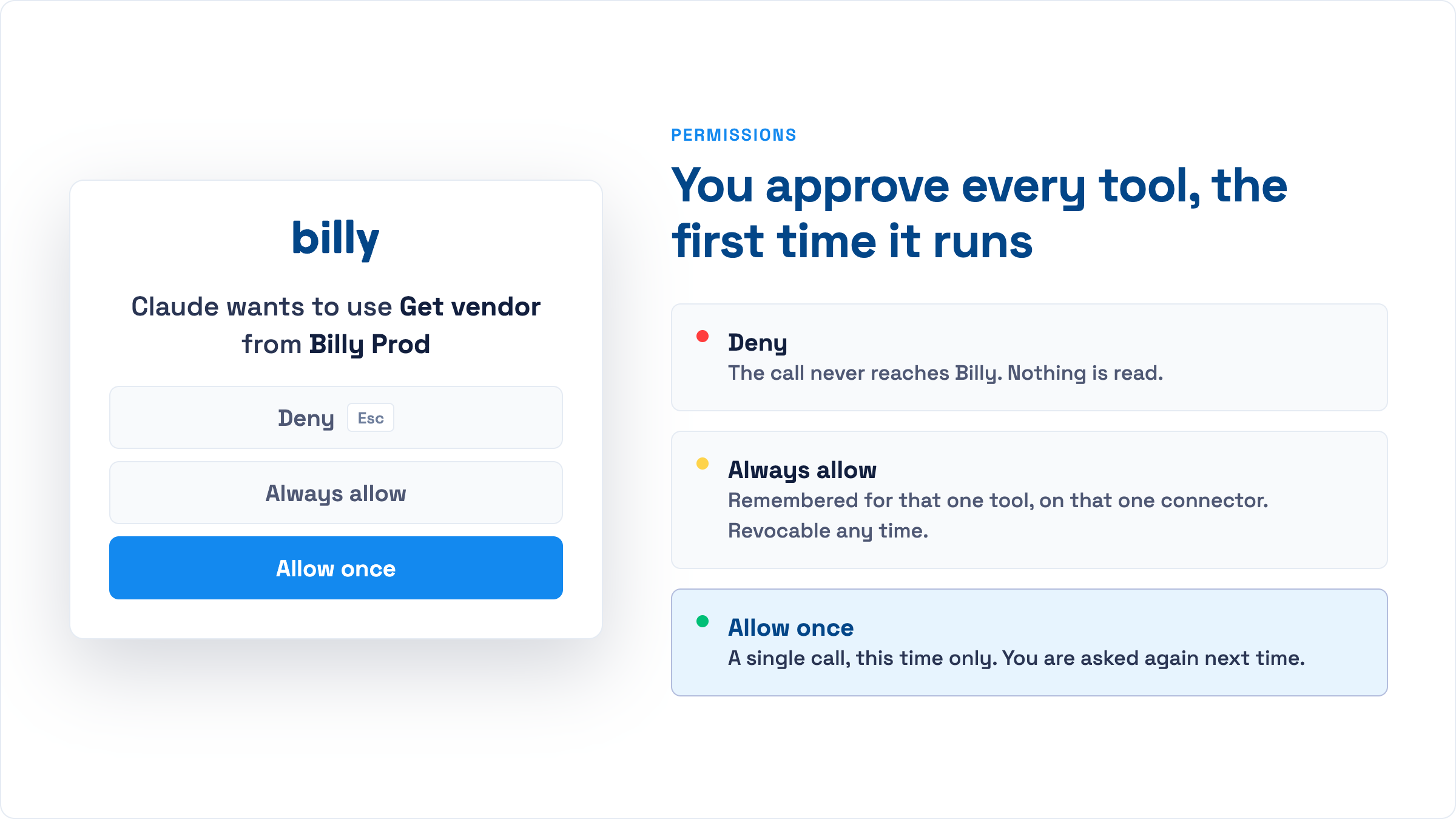
Two habits worth keeping. First, keep a “confirm before acting” rule in place for send_certificate_request and create_contract: in Claude that is the per-tool permission prompt, in Copilot it is a line in the agent’s instructions. Second, when you paste a list or a document for the assistant to work from, tell it to show you the plan before it writes anything. Both take seconds and prevent a bad afternoon.
Frequently asked questions
Do I need to know the tool names to use these prompts?
No. The assistant chooses the tools. The names are shown here so you can see what will be read or changed and decide where you want a confirmation step.
Can the assistant see certificate limits or expiration dates?
Not through the MCP server. It reads projects, vendors and contracts. Document-level detail is in Billy’s review screens and reports.
Will bulk prompts send emails immediately?
Only if you ask them to and your client is configured to run write tools without confirmation. Most clients prompt before each write; keep that on for anything that sends email.
Does this work in Microsoft 365 Copilot as well as Claude?
Yes. In Copilot you talk to a Billy agent that a Copilot Studio maker has published; in Claude or ChatGPT you connect the server directly. The prompts are the same. Setup instructions for each are in the Billy MCP server guide.
Try these on demo data first
Get access to the Billy demo MCP server and run every prompt on this page risk-free.
Request a demo