If your company runs on Trimble Viewpoint Vista, your vendor data, subcontracts, and job costs already live in one system. Your certificates of insurance probably don’t. Billy’s Viewpoint Vista integration connects COI tracking, AI-powered certificate review, and subcontractor prequalification directly to the vendor records and Pre-Construction workflows your team already uses, so compliance stops being a spreadsheet that lives next to your ERP and becomes part of it.
Why COI tracking breaks down next to Viewpoint Vista
Vista is exceptionally good at being the financial system of record. Vendors, subcontracts, change orders, and payments all flow through it. What Vista was never designed to do is read an insurance certificate. It can store a PDF and hold a compliance flag on a vendor, but someone still has to collect the certificate from the sub or their broker, review the ACORD form line by line against your requirements, catch the missing additional insured endorsement, track the expiration date, and chase the renewal.
That work usually happens in email and spreadsheets, disconnected from the vendor records in Vista. The result is a familiar gap: accounting sees a vendor that looks fine in the ERP while the actual coverage expired three weeks ago. Every general contractor that has absorbed a claim because of a lapsed certificate knows exactly how expensive that gap is.
The core problem: certificate of insurance tracking is an insurance workflow, but the consequences land in your financial workflow. The two systems need to talk, and historically they haven’t.
How the Billy + Viewpoint Vista integration works
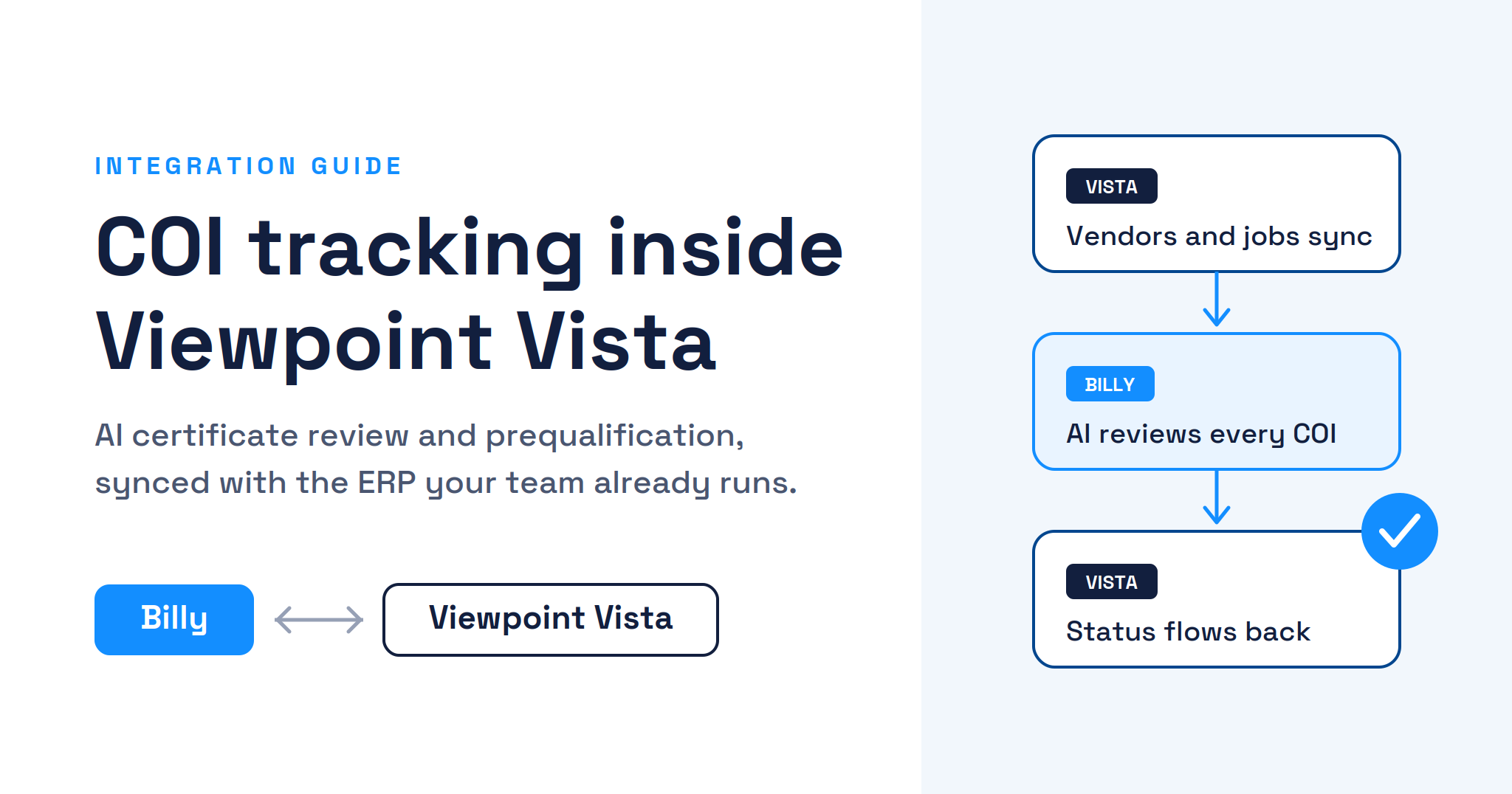
Billy sits on top of Vista as the compliance layer. The integration is available as Billy Insurance Compliance + Vista on the Trimble Marketplace and connects through Trimble AppXchange, keeping vendor data in sync between the two systems so the subs and suppliers in your Vista vendor master are the same ones Billy is collecting and reviewing documents for. Here’s how data moves through the connected workflow:
COI tracking data flow
Two-way sync1. Vendor data syncs
Vendors, jobs, and subcontracts sync to Billy. No re-keying vendor lists.
2. Billy collects
COIs, endorsements, W9s, and licenses requested from subs and brokers automatically.
3. AI reviews
The AI Review Assistant reads each certificate against your requirements and flags deficiencies.
4. Status flows back
Compliance status lands on the vendor record, visible where payment decisions happen.
Vendor and project data flows from Vista into Billy. Compliance results flow back, keeping the ERP the single source of truth.
The practical effect is that nobody leaves their system to do compliance. Project teams and accounting keep working in Vista. Subs and brokers respond to Billy’s automated requests. And the compliance status that used to live in someone’s spreadsheet now lives on the vendor record where it can actually prevent a payment to a non-compliant sub.
How AI changes certificate of insurance review
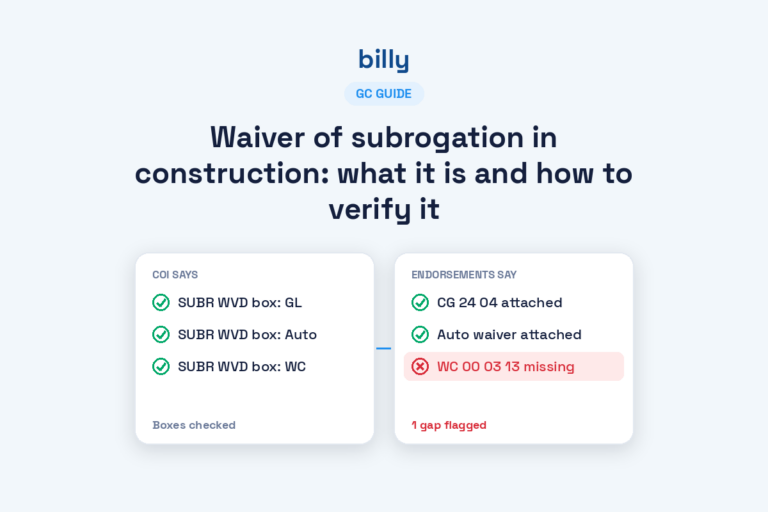
Collecting certificates was never the hard part. Reviewing them is. A certificate review means checking limits, policy dates, additional insured language, waiver of subrogation, primary and non-contributory wording, and umbrella coverage against requirements that often vary by project and contract value. Done manually, it’s slow and inconsistent, and it doesn’t scale past a certain vendor count.
Billy’s AI Review Assistant does that review automatically. It reads the certificate, compares it to the requirements you’ve set, and flags exactly what’s deficient and why. Teams can add their own specific review instructions, so the AI applies your standards rather than generic ones. For Vista users, this means certificate review keeps pace with vendor volume even when your compliance team doesn’t grow.
Subcontractor prequalification that feeds Vista’s Pre-Construction module
Compliance doesn’t start when the first COI arrives. It starts before the contract is signed, when you’re deciding whether a subcontractor is safe to put on the job at all. Vista users handle that decision in the Pre-Construction module, where prequalification information is captured on subcontractor records and used in selection reports when it’s time to award work.
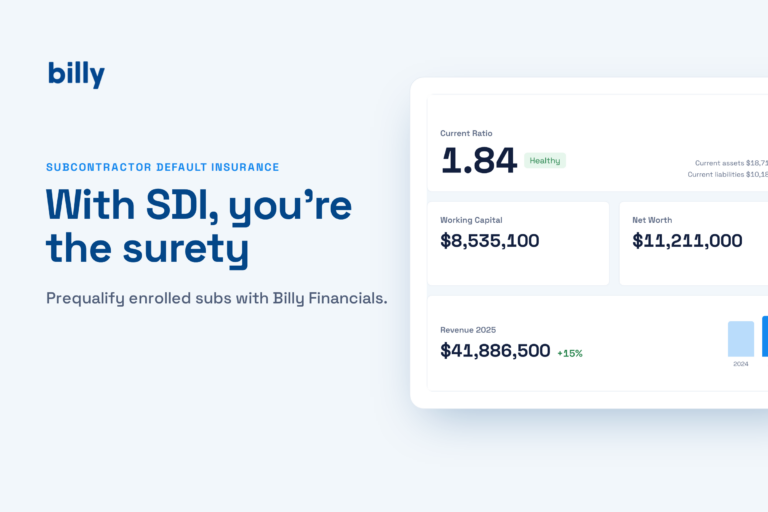
Billy’s subcontractor prequalification handles the collection and evaluation side of that process, then connects the results to Vista’s prequalification workflow. Instead of chasing financials, safety records, and insurance information over email and typing the results into Vista by hand, the data moves like this:
Prequalification data flow
Billy → Vista Pre-Construction1. Invite vendor
Billy sends the sub a prequal package: financials, safety history, references, insurance.
2. Vendor submits
The sub completes everything in one place. Billy verifies insurance with AI review.
3. Billy evaluates
Responses are scored against your criteria, with gaps and risk factors flagged.
4. Pre-Construction
Prequal results push to Vista, ready for subcontractor selection and award.
Billy runs the prequalification workflow, then delivers the results into Vista’s Pre-Construction module so selection decisions use current, verified data.
This closes the full vendor lifecycle inside one connected workflow: prequalify in Billy, award in Vista, then track COIs and compliance in Billy for the life of the project, with status flowing back to the vendor record the whole way through. The prequalification data also makes ongoing compliance smarter, because Billy already knows the vendor’s insurance program before the first certificate ever arrives.
Who the Billy + Vista integration is built for
Regional builders, $50M to $500M
GCs and builders who want a simple compliance solution that connects to the systems they already run, without an enterprise implementation project.
Vista Pre-Construction users
Shops that have invested in Vista’s prequalification workflow and want a modern collection and review layer feeding it, instead of manual data entry.
Billy also integrates with Procore, Autodesk, CMiC, Sage Intacct, Sage 300, JD Edwards, and the broader Trimble ecosystem through the Trimble Marketplace, so multi-system environments are covered. See the full list on our integrations page.
Frequently asked questions
Does Billy integrate with Trimble Viewpoint Vista?
Yes. Billy syncs vendor and project data with Viewpoint Vista, automates COI collection and AI-powered certificate review, and sends compliance status back to Vista vendor records. The integration is listed as Billy Insurance Compliance + Vista on the Trimble Marketplace, and Billy’s prequalification results can also feed Vista’s Pre-Construction prequalification workflow.
What is COI tracking software?
COI tracking software collects certificates of insurance from vendors and subcontractors, reviews them against your insurance requirements, tracks expirations, and chases renewals automatically. Modern platforms like Billy use AI to read certificates and flag deficiencies instead of relying on manual line-by-line review. Learn more about certificate of insurance tracking software.
Can Vista track certificates of insurance on its own?
Vista can store documents and hold compliance flags on vendor records, but it doesn’t read certificates, verify coverage against requirements, or chase subs and brokers for renewals. Billy adds that intelligence layer and keeps the results synced to Vista, so the ERP stays the source of truth.
How does Billy’s prequalification work with Vista’s Pre-Construction module?
Billy collects and evaluates the prequalification package from the subcontractor, including financials, safety history, and AI-verified insurance information. The results push into Vista’s Pre-Construction prequalification records, so subcontractor selection in Vista is based on current, verified data instead of manual entry.
How does AI review a certificate of insurance?
Billy’s AI Review Assistant reads the certificate and endorsements, extracts limits, dates, and policy language, and compares them to the insurance requirements you’ve configured. It flags deficiencies such as missing additional insured endorsements or insufficient limits, and you can add your own review instructions so it applies your exact standards.
See the Vista integration live
Bring COI tracking and prequalification into the system your team already runs. We’ll show you the data flow end to end with your own requirements.
Book a demo