If you’re a general contractor, you’ve seen this confusion a thousand times:
- A subcontractor sends a COI and says, “You’re covered.”
- The COI lists you as the Certificate Holder.
- The contract requires you to be an Additional Insured.
- Everyone assumes that’s the same thing… until there’s a claim.
They are not the same.
This guide explains the difference in plain English, shows what to look for on a COI, and gives you a simple workflow to prevent non-compliant subs from slipping through.
Quick Answer: Certificate Holder vs Additional Insured
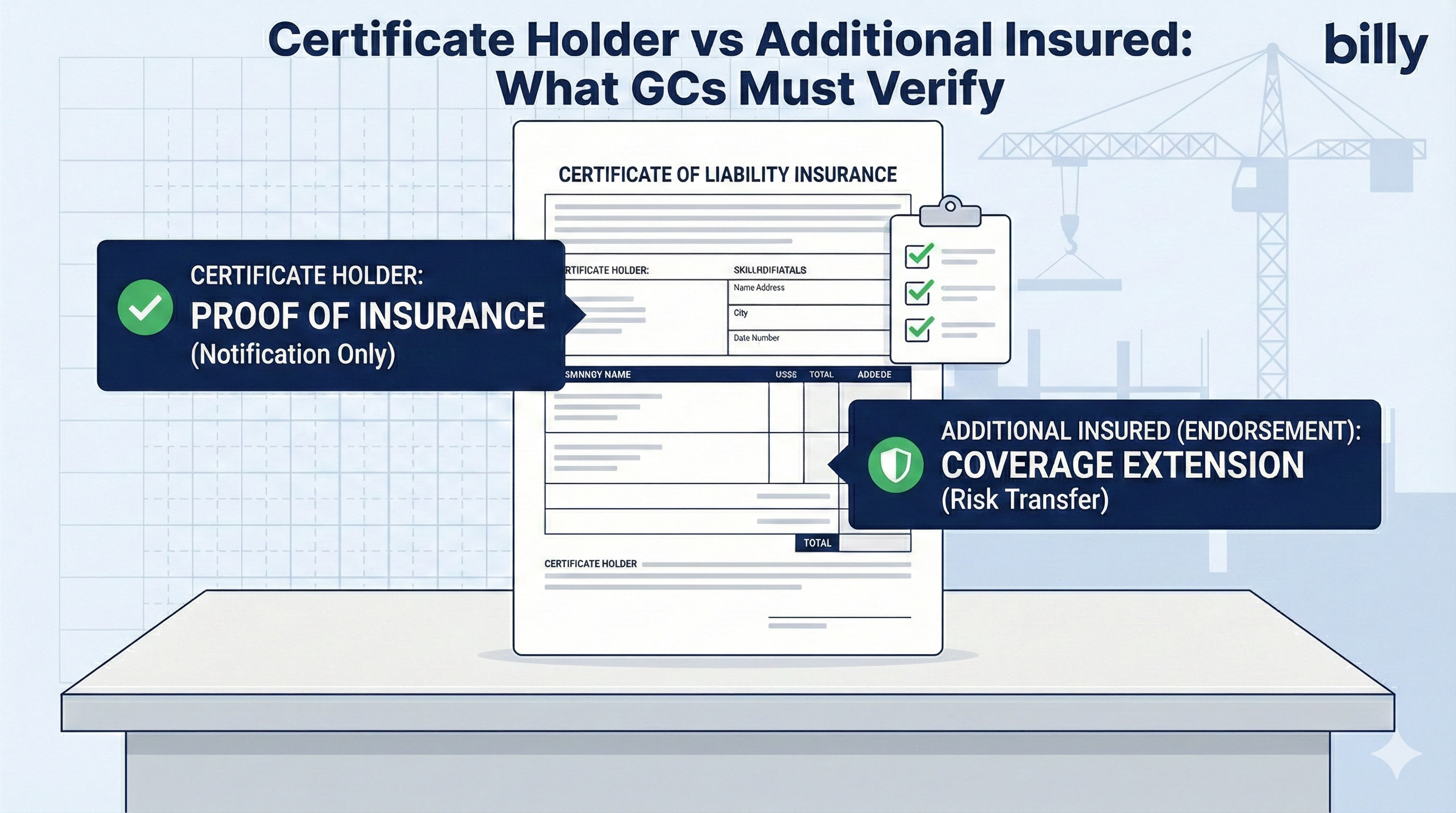
Certificate Holder
A certificate holder is the party who receives the COI. It’s basically “who the certificate was issued to.”
What it does:
- Proves the vendor has insurance (at least on the date the COI was issued)
- Gives the holder a way to be notified if the policy cancels (sometimes, but not guaranteed)
What it does NOT do:
- It does not give you coverage under the policy
- It does not make the insurer defend you
- It does not change the policy
Additional Insured
An additional insured is a party that is granted coverage under someone else’s policy (usually their General Liability) via an endorsement.
What it does:
- Extends coverage to you for certain claims arising out of the subcontractor’s work (scope depends on endorsement wording)
- Often triggers the subcontractor’s insurer’s duty to defend you (again depends on wording)
Bottom line: Certificate holder = proof. Additional insured = protection.
Where to Find This on a COI (ACORD 25)
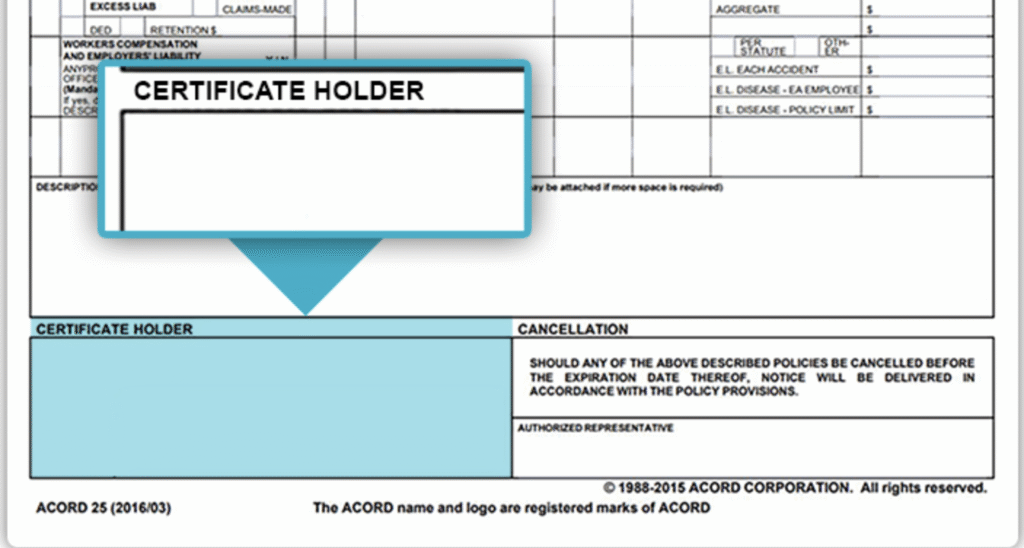
Where “Certificate Holder” appears
On most COIs, the Certificate Holder box is near the bottom left. It typically shows your company name/address.
Where “Additional Insured” appears
This is where teams get burned:
- On the COI, you might see wording in the “Description of Operations” box like:
“<GC Name> is included as Additional Insured…” - But the real requirement is an endorsement that actually adds you as AI.
A COI can say AI, but if the endorsement isn’t provided (or is wrong), you may not be covered.
Rule: If the contract requires Additional Insured status, you must obtain the endorsement (or at least confirmation the correct endorsement is in force).

Common Construction Scenario Examples
Example 1: You are listed as Certificate Holder only
- COI lists your GC as certificate holder
- No AI (Additional Insured) wording, no endorsements attached
Result: You’re probably not covered under their policy.
Example 2: COI says “Additional Insured,” but no endorsement is provided
- COI includes AI wording in the description box
- Endorsement is missing
Result: Risk is still high. COI language alone is not a policy change.
Example 3: Endorsement exists, but it’s the wrong one
- Sub provides an endorsement, but it’s not the right form or doesn’t match the required wording (ongoing vs completed ops, primary/noncontributory, etc.)
Result: You might have partial coverage or none for the scenario you care about.
What GCs Should Verify (Minimum Checklist)
If your subcontract agreement requires an Additional Insured, verify these every time:
1) You are listed as Additional Insured (by endorsement)
- Confirm an endorsement is provided or verified
- Confirm it applies to the correct policy (usually General Liability)
2) The endorsement matches the contract requirement
Common requirements include:
- Additional Insured – Ongoing Operations
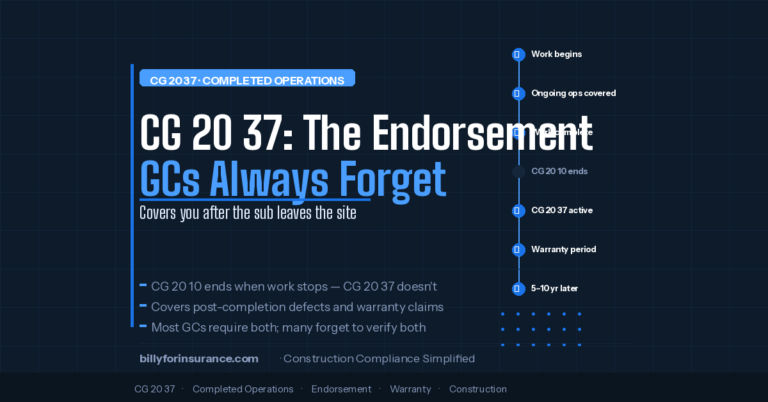
- Additional Insured – Completed Operations
- Primary and Noncontributory wording
- Waiver of Subrogation (often separate)
3) Limits and dates match the project requirement
- Policy effective dates cover the work period
- Limits meet your minimums (GL, Auto, WC, Umbrella as required)
4) Link compliance to the right vendor + project (and ideally commitment)
If it’s not tied to the vendor + project, it will get lost when it matters (payment, closeout, dispute).
The “Don’t Get Burned” GC Workflow (5 Steps)

Step 1: Intake
Collect:
- COI PDF
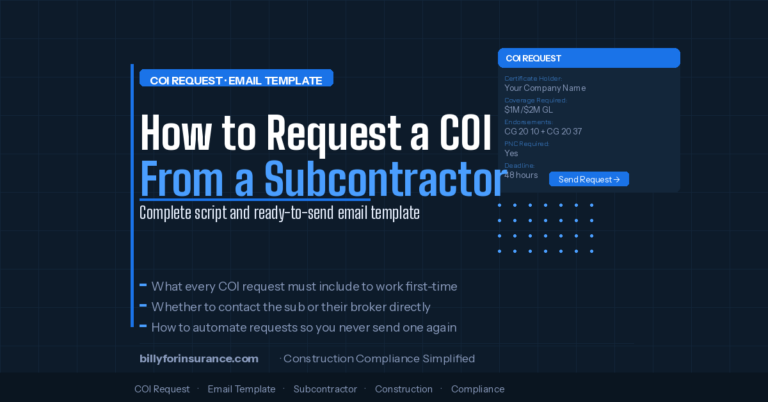
- Required endorsements PDFs (AI, PNC, WOS, etc.)
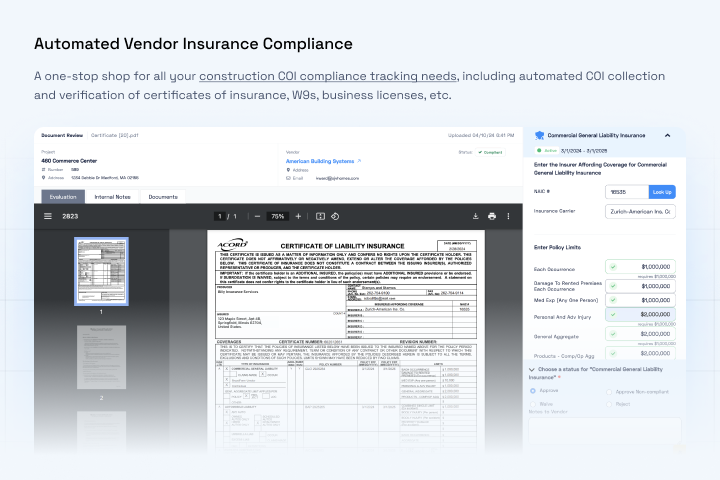
Step 2: Validate
Confirm:
- Certificate holder is correct (your name/address)
- Additional insured endorsement exists and matches requirement
- Limits/dates are compliant
Step 3: Record
Track:
- Vendor + project association
- Expiration date
- Compliance status (Allowed / Conditional / Not Allowed)
Step 4: Remind
Automate reminders:
- 30 / 14 / 3 days before expiration
- Missing endorsement reminders immediately
Step 5: Gate
Don’t allow non-compliant vendors to proceed / get paid until requirements are met.
Where Billy Fits (The Practical Angle)
Billy helps GCs operationalize this so it’s not a manual “COI detective” job:
- Centralize COIs + endorsements in one place
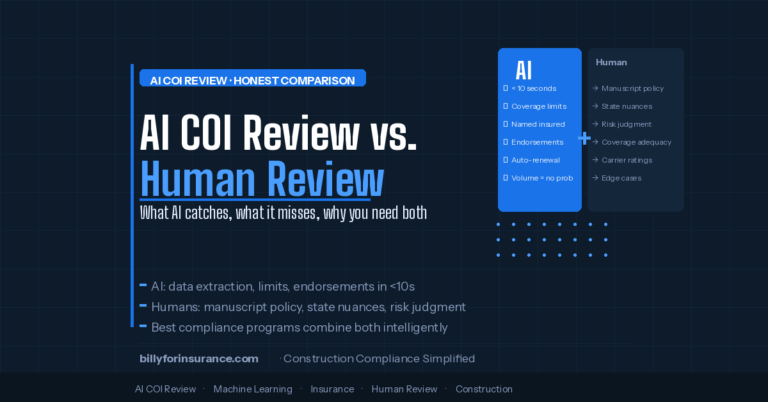
- Verify compliance consistently (including AI requirements)
- Track expirations and automate reminders
- Link documents to vendor + project (and show status where teams work)
- Maintain an audit trail so you can prove who reviewed what, and when
This is how you stop “certificate holder confusion” from turning into real risk.

FAQ: Certificate Holder vs Additional Insured
Is a certificate holder covered under the policy?
Usually, no. A certificate holder is typically not granted coverage just by being listed on the COI.
Does “Additional Insured” on a COI guarantee coverage?
Not by itself. Additional insured status usually requires an endorsement to the policy.
Why do contracts require additional insured status?
Because it transfers certain risk to the subcontractor’s insurer for claims arising out of their work (scope depends on endorsement wording).
What should I do if a subcontractor refuses to provide endorsements?
Treat it as non-compliant until resolved. If you make exceptions, document them and set an expiration date.
Want to stop chasing COIs and endorsements?
Book a walkthrough: https://billyforinsurance.com/request-demo/