Most subcontractor prequalification forms ask the wrong questions in the wrong order — and then live as PDFs in someone’s email inbox, completely disconnected from the COI tracking and compliance tools your team actually uses. This guide fixes both problems.
Prequalifying subcontractors is one of the highest-leverage risk management activities a general contractor can perform. Vetting a sub before they’re on payroll is exponentially cheaper than replacing one who defaults mid-project, fails a safety audit, or doesn’t carry adequate insurance when something goes wrong on-site.
Yet most GCs still run their prequalification process with emailed PDFs, manual review spreadsheets, and gut instinct. If that describes your current setup, this guide will show you what a modern digital prequalification process looks like — and give you a template you can deploy immediately.
What Is a Subcontractor Prequalification Form?
A subcontractor prequalification form is a structured questionnaire that general contractors use to evaluate potential trade partners before inviting them to bid or awarding contracts. It collects the baseline information your team needs to make an informed risk decision — financial stability, safety record, insurance coverage, licensing, and relevant project experience.
Prequalification is distinct from bid evaluation. When you’re comparing bids, you’re asking “who gave us the best price for this scope?” When you’re prequalifying, you’re asking “is this company capable of performing this work safely and financially?” The two questions need separate answers, and prequalification should happen before the bid process — not during it.
If you’re using ISNetworld or Avetta, you already have a prequal process — but you may be paying for complexity you don’t need, and your subcontractors are paying to participate.
— Billy vs. ISNetworld vs. Avetta →The 6 Sections Every Prequal Form Needs
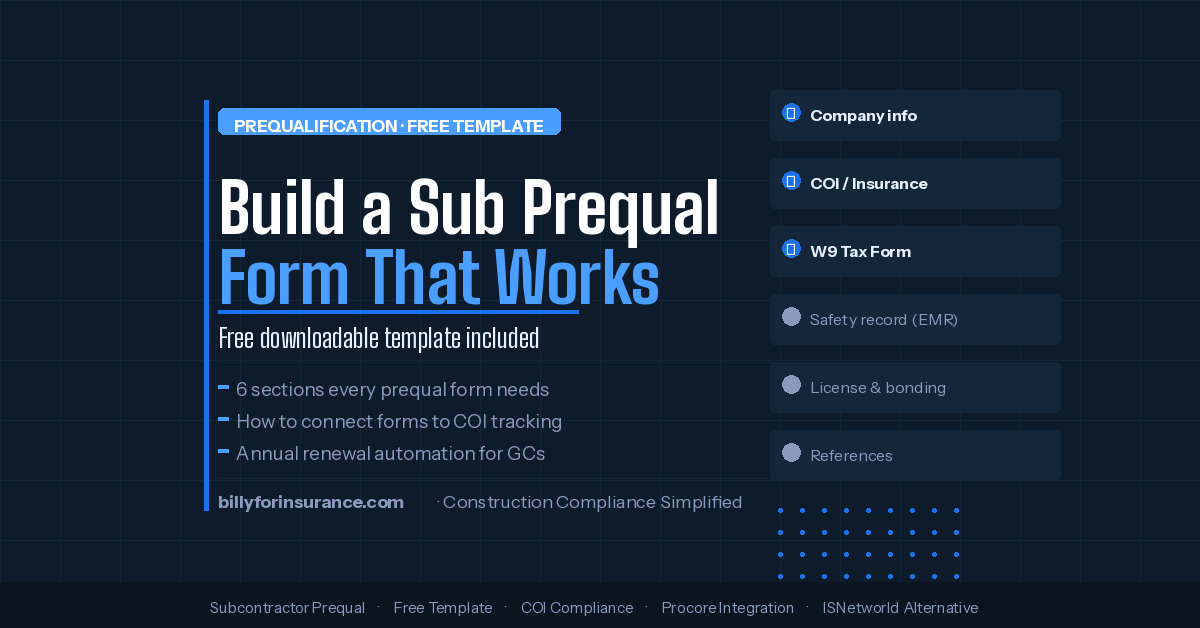
1. Company Info
Legal name, EIN, entity type, years in business, trade, and licensed states.
2. Insurance
Coverage limits, carriers, expiration dates, and endorsement capability confirmation.
3. Safety Record
EMR for 3 years, OSHA recordables, safety program, and dedicated safety officer.
4. Financial Stability
Financial statements or CPA letter, line of credit, bonding capacity, and litigation history.
5. Licensing
Contractor license numbers, states, specialty certs, and MBE/WBE/DBE status.
6. Project Experience
Completed projects, references, largest single contract, and current backlog.
Section 1: Company Information
Basic but essential. This section establishes the legal identity of the company you’re evaluating and prevents the common problem of working with a trade name that doesn’t match the insured entity on the COI.
- Legal business name (as registered, not DBA)
- DBA / trade name (if different)
- Business address and primary contact
- Entity type (LLC, Inc., sole proprietor, partnership)
- Federal EIN / Tax ID number
- Years in business and year founded
- Number of full-time employees
- States / metro areas where licensed to work
- Primary trade or scope of work
Section 2: Insurance Information
This is where most prequal forms stop too soon. Asking “do you have insurance?” is not enough. Collect specifics and require an attached certificate of insurance at submission:
- Current GL, WC, Auto, and Umbrella carrier names and policy numbers
- Coverage limits per occurrence and aggregate for each line
- Whether the sub can provide Additional Insured endorsements
- Whether the sub can provide Primary and Non-Contributory language
- Confirmation of Waiver of Subrogation availability
- Attach a current COI at submission
Section 3: Safety Record
Safety performance is one of the most predictive indicators of project success. Collect:
- Experience Modification Rate (EMR) for the past 3 years
- Number of OSHA recordable incidents per year (last 3 years)
- Any OSHA citations in the past 5 years (with explanation)
- Total hours worked per year (for incident rate calculation)
- Written safety program (attach if yes)
- Dedicated safety officer on staff?
Section 4: Financial Stability
- Most recent fiscal year financial statements (third-party prepared preferred)
- Current line of credit (bank statement confirming availability)
- Bonding capacity — single project and aggregate (letter from surety or agent)
- Any bankruptcies or reorganizations in the past 10 years?
- Any outstanding judgments, liens, or pending litigation?
Section 5: Licensing and Certifications
- Contractor license number and state of issuance
- Specialty certifications relevant to scope
- MBE / WBE / DBE certification status
- Union or non-union status
Section 6: Project Experience and References
- 3–5 completed projects in the past 3 years (name, location, contract value, scope, GC reference)
- Largest single project completed (contract value)
- Current backlog and available capacity
- 3 GC references with direct contact information
- Any projects where sub failed to complete or was terminated for cause?
Connecting Your Form to Your Compliance Workflow
This is where most paper prequal processes collapse. A filled-out PDF tells you the sub had adequate insurance when they submitted the form. It tells you nothing about whether they still have it six months later when they’re active on your project.
Effective prequalification isn’t a one-time event — it’s the beginning of an ongoing compliance relationship:
- Prequal form approved — Sub meets your baseline criteria. COI reviewed and compliant. Vendor added to your approved list.
- COI tracking begins — Billy monitors expiration dates and automatically contacts the sub or their broker before policies lapse.
- Procore sync activates — Approved vendor status flows into Procore, Autodesk, or your ERP so project teams can see current compliance without leaving their workflow.
- Annual renewal triggered automatically — Billy sends prequal renewal requests on your schedule. Subs re-confirm information and re-submit COIs.
- AP holds fire only when necessary — Proactive outreach means this should be rare, not routine.
Digital vs. Paper: Why the Format Matters
| Capability | Paper / PDF Form | Billy’s Digital Prequal |
|---|---|---|
| Send to subcontractors | ⚠ Manual email | ✓ Automated with tracking |
| Collect COI at submission | ⚠ Separate attachment | ✓ Built into form flow |
| AI review of COI / endorsements | ✗ Manual review only | ✓ Instant AI review |
| Procore / Autodesk sync | ✗ Manual re-entry | ✓ Automatic bidirectional |
| Annual renewal automation | ✗ Calendar reminder, hope | ✓ Scheduled automated outreach |
| Cost to subcontractors | ✓ Free | ✓ Free |
| Audit-ready compliance record | ✗ Scattered across email | ✓ Centralized per vendor |
| Embed on your website | ✗ Not possible with PDF | ✓ Custom form embed available |
Free Subcontractor Prequalification Form Template
Template Structure
Section 1 — Company Information
Legal business name · DBA · Federal EIN · Entity type · Business address · Primary contact name, phone, email · Years in business · Primary trade/scope · States licensed to work · Number of full-time employees
Section 2 — Insurance
GL carrier + policy # + limits + expiration · Workers Comp carrier + X-mod + expiration · Commercial Auto limits + expiration · Umbrella/Excess limits + expiration · AI endorsement capability (Y/N) · PNC endorsement capability (Y/N) · Waiver of Subrogation (Y/N) · [Attach current COI]
Section 3 — Safety
EMR last 3 years · OSHA recordable incidents last 3 years · Total hours worked last 3 years · Any OSHA citations (explain) · Written safety program (attach) · Dedicated safety officer (Y/N)
Section 4 — Financial
Most recent financial statements or CPA letter · Line of credit confirmation · Bonding capacity letter (single + aggregate) · Any bankruptcies/reorganizations last 10 years · Any outstanding judgments or litigation
Section 5 — Licensing
Contractor license # + state + expiration · Specialty certifications · MBE/WBE/DBE status + certification # · Union/non-union
Section 6 — Experience & References
3–5 completed projects (name, location, value, scope, GC reference) · Largest single project · Current backlog · 3 GC references (name, phone, email) · Any projects where company failed to complete (explain)
Certification Statement
“I certify that the information provided above is accurate and complete to the best of my knowledge. I authorize [Company Name] to contact the references listed and to verify the information provided.”
Signature · Title · Date
Common Prequal Mistakes to Avoid
Asking for too much from small subs
A drywall contractor on a $45,000 subcontract doesn’t need the same documentation as a curtainwall contractor on a $4M scope. Build tiered criteria — a lightweight form for low-value/low-risk scopes and a full form for high-value, high-risk, or specialty trades. Our guide on what GCs actually need from prequalification software covers exactly which features matter and which you can skip.
Treating prequal as a one-time event
A sub who was financially stable and fully insured in January may not be in October. Annual renewal is the minimum cadence. For high-volume or high-risk subs, semi-annual is better. Automation makes this feasible at scale — manual processes don’t. See how to replace your paper prequal process step by step.
Separating prequal from COI compliance
If your prequal form and your COI tracking system are different tools, you have a gap. The COI a sub submits at prequal is the start of an ongoing compliance record — not a one-time document.
Not confirming what the COI actually says
Accepting a COI without reviewing endorsement accuracy is like approving a financial statement without reading the notes. Understanding the difference between a COI and an endorsement is essential before you rely on one.
Start Prequalifying Smarter
Billy’s digital prequalification tool is free for subcontractors, integrates with Procore, Autodesk, and your ERP, and connects directly to automated COI tracking.
See It In Action →Frequently Asked Questions
How often should we re-prequalify subcontractors?
Annually is standard for most GCs, with COI tracking running continuously throughout the year. Billy’s prequal tool supports automated annual renewal outreach so your team doesn’t have to track renewal schedules manually.
Should we prequalify before or after soliciting bids?
Ideally, before. A pre-approved vendor list lets you send bid invitations only to subs who’ve already met your baseline criteria — a major efficiency gain for GCs managing large bidder databases.
What if a subcontractor refuses to complete the form?
That itself is a signal worth noting. Qualified, well-run subcontractors generally welcome the opportunity to demonstrate their financial stability and safety record. Set clear policy: complete prequalification is required to be invited to bid.