Most subcontractor forms were designed to collect data, not manage compliance. There’s a difference — and it’s exactly the gap between a form that sits in a shared drive and one that triggers automated insurance tracking, payment holds, and annual renewal outreach.
General contractors have more document requirements from subcontractors than ever before. Certificates of insurance are table stakes. W9 forms are standard. But modern GCs are also tracking business licenses, Master Service Agreements, warranty letters, lien waivers, safety agreements, and sometimes NDAs — all on a per-vendor, per-project basis.
Without a structured, digital compliance form workflow, this document set gets scattered across email threads, shared drives, and spreadsheets that nobody trusts by month two of a project.
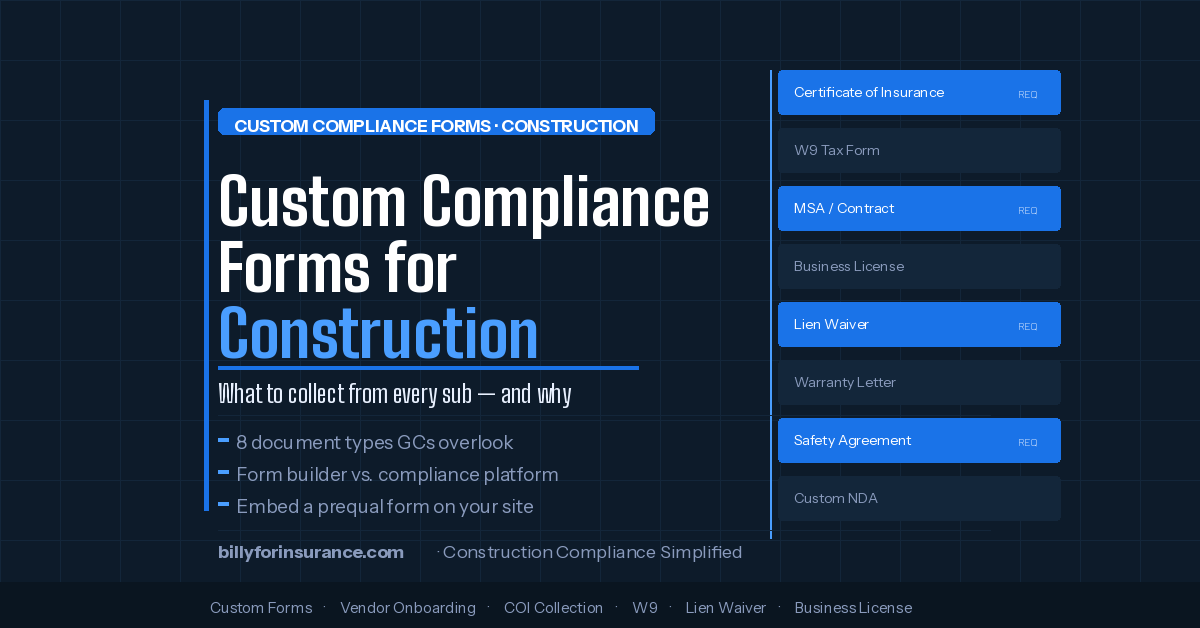
The 8 Document Types GCs Should Be Collecting
Certificate of Insurance
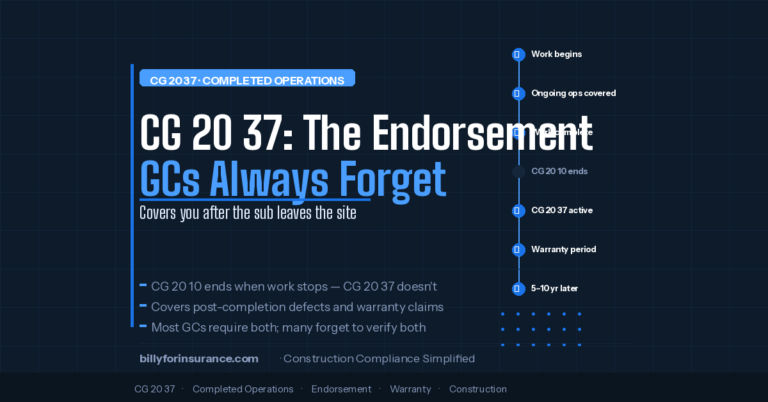
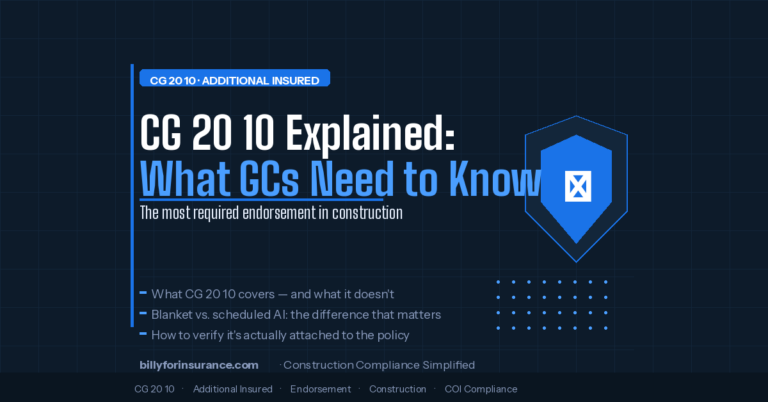
The baseline — plus endorsements. A COI without CG 20 10 / CG 20 37 is not full coverage.
W9 Tax Form
Required for any sub paid $600+ per year. Legal name must match the named insured on their COI.
Business License
State contractor license by trade. An unlicensed sub creates liability even if you didn’t know.
Master Service Agreement
The legal instrument that makes your COI requirements enforceable. Track signed MSAs per vendor.
Lien Waiver
Conditional and unconditional waivers tied to payment milestones protect you from mechanics’ liens.
Warranty Letter
Warranty obligations run 5–10 years post-completion. Sub insurance must stay active throughout.
Safety Agreement
Site-specific safety plans for high-risk trades. Confirms OSHA compliance obligations per project.
NDA / Confidentiality
For preconstruction or specialty scope where designs or methods are shared before award.
1. Certificate of Insurance (COI)
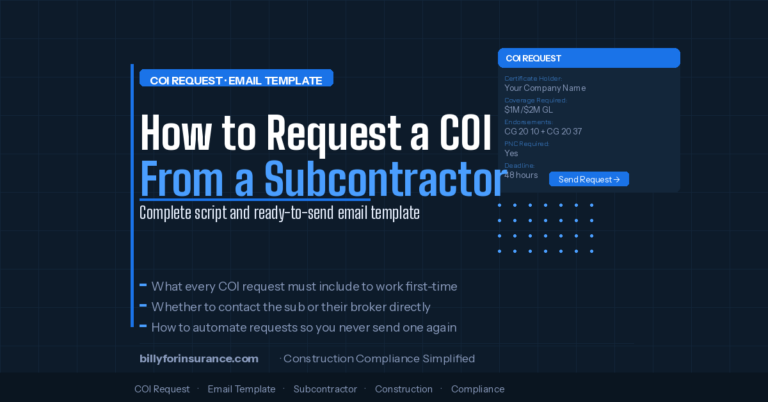
Every subcontractor performing any work on your project must provide a current certificate of insurance before they start. The COI should name your company as an Additional Insured and be issued by an admitted carrier with an acceptable AM Best rating.
2. W9 Tax Form
Required for any subcontractor you’ll pay more than $600 during the tax year. The W9 confirms the vendor’s legal name, entity type, and Federal EIN — which should match the named insured on their COI (they often don’t, which is a compliance red flag). Billy includes a free W9 generator for subcontractors.
3. Business License
State contractor license requirements vary by trade and jurisdiction. Collect: contractor license number, issuing state, expiration date, and license copy. For specialty trades (electrical, plumbing, crane operation, demolition), collect the specialty license separately from the general contractor license.
4. Master Service Agreement (MSA)
Your MSA defines scope, payment terms, indemnification language, and insurance requirements. Collecting and tracking signed MSAs through your compliance workflow — via DocuSign integration — means you have proof of executed agreements tied to each vendor record, visible alongside their insurance documents.
5. Lien Waiver
Lien waivers protect project owners and GCs from mechanics’ liens filed by subcontractors who claim they haven’t been paid. Collecting conditional and unconditional lien waivers tied to payment milestones closes one of the most expensive gaps in construction risk management. Billy provides a free lien waiver form for New York projects.
6. Warranty Letter
Most GCs track compliance during active construction but stop at project closeout — a serious gap. Warranty obligations typically run 5–10 years after completion, meaning every subcontractor’s insurance needs to remain active and compliant for the entire warranty period. Billy’s warranty mode tracks this separately from construction-phase requirements.
7. Safety Agreement / Site-Specific Safety Plan
For larger projects or higher-risk trades, many GCs require subcontractors to submit and sign a site-specific safety plan before mobilizing. Collecting this through your compliance form means it’s stored against the vendor record and visible in your compliance dashboard alongside their insurance documents.
8. NDA / Confidentiality Agreement
For preconstruction, bid invitation, or specialty scope work where your designs or proprietary methods are shared, an executed NDA should be in your compliance record before documents are released. Billy’s form builder supports NDA collection and DocuSign-powered signature workflows tied to vendor onboarding.
Why One Form Doesn’t Fit All Subs
Generic vendor forms fail because they apply the same requirements to every vendor regardless of risk, scope, or contract value. A sub-tier plumbing contractor on a $30,000 subcontract doesn’t need the same documentation burden as a curtainwall contractor on a $3M scope.
| Vendor tier | Contract value | Required documents |
|---|---|---|
| Tier 1 — Low risk Suppliers, material vendors |
Any | W9, GL COI, Business License |
| Tier 2 — Standard Most subcontractors |
Up to $500K | COI (all lines) + endorsements, W9, License, MSA, Lien Waiver |
| Tier 3 — High value Specialty, structural, MEP |
$500K+ | All Tier 2 + Safety Agreement, Financial statements, Bonding letter, Warranty letter |
| Tier 4 — Enterprise / OCIP Large CM, wrap programs |
Any | All Tier 3 + OCIP enrollment forms, Wrap exclusion endorsements, Project-specific COI requirements |
Billy’s custom form builder lets you define templates for each tier and apply them automatically based on rules you set. A new vendor added to a Tier 2 project gets the Tier 2 form automatically — no coordinator decision required.
Form Builder vs. Compliance Platform: The Critical Difference
Generic form builder (Jotform, Paperform)
COI arrives in your email inbox. Someone manually reviews it. No expiration alerts. No Procore sync. No AP connection. No status.
Billy compliance platform
COI is AI-reviewed instantly. Compliance status syncs to your ERP. Renewal outreach schedules automatically. Status visible everywhere.
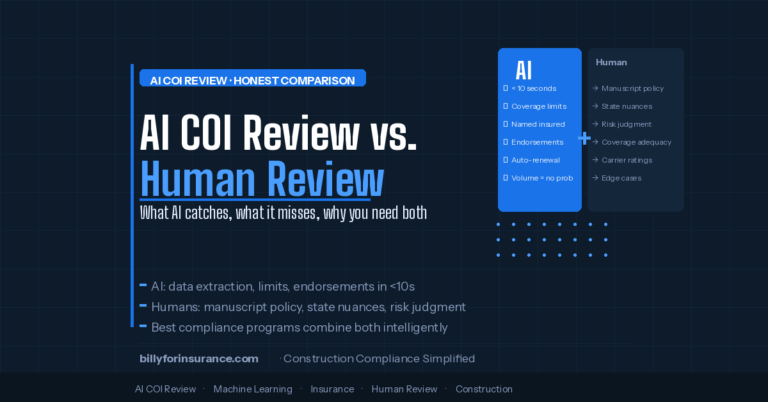
When a sub submits a COI through Billy’s compliance form, the AI Review Assistant reviews it automatically, deficiencies are flagged with specific guidance sent back to the sub, a compliance status is assigned and synced to Procore, Autodesk, or your ERP, and renewal outreach is scheduled automatically 30 days before expiration.
How to Embed a Prequal Form on Your GC Website
One of the most underused features in modern vendor compliance is the public-facing vendor registration form — a prequal or vendor application form embedded directly on your company website so subcontractors can initiate the qualification process themselves.
This works particularly well for:
- GCs who receive frequent cold outreach from new subs wanting to get on bid lists
- Companies growing into new markets or trades and actively expanding their vendor network
- Project owners or developers building an approved contractor database
Billy’s form builder supports website embedding. Your marketing or IT team can paste a single embed code into your existing WordPress page. No custom development required.
Billy Platform TeamThe Annual Renewal Problem — and How to Solve It
Compliance forms collected once become stale. Business licenses expire. Insurance policies renew. Financial conditions change. A subcontractor who was financially stable and fully insured in January may not be in October — and most paper prequal processes have no mechanism to catch that change.
- Set renewal cadence — COIs: continuous monitoring. W9s: annually or when entity information changes. Prequal form: annually. Financials: annually or semi-annually for large subs.
- Automate outreach — Billy sends renewal requests automatically. Subs receive a pre-populated form showing their previous answers — they only update what’s changed and re-submit their current COI.
- Track renewal status — Your compliance dashboard shows which vendors have completed annual renewal and which are overdue. Overdue vendors can trigger AP holds automatically.
- Archive historical records — All previous submissions are retained. If there’s ever a claim dispute about coverage at a specific point in time, your historical compliance record is the evidence.
Custom Forms for OCIP and CCIP Projects
Wrap-up insurance programs add a layer of complexity that standard compliance forms can’t handle without customization. On OCIP and CCIP projects, enrolled subcontractors work under the wrap policy — but still need to provide proof of their own coverage for non-enrolled scopes, and may need to carry a wrap exclusion endorsement on their own policies.
Custom OCIP/CCIP form requirements
- Confirmation of wrap enrollment status per project
- COI with wrap exclusion endorsement (for enrolled subs)
- Standard COI for any non-enrolled work or off-site scope
- Confirmation of enrollment in any owner-required safety programs
Billy supports dual compliance tracking — running standard COI requirements alongside wrap-specific requirements on the same project, with separate compliance status for each track.
Getting Started: Building Your First Custom Form
The fastest path is to start with your highest-friction document type — the one your team spends the most time chasing — and automate that first. For most GCs, that’s the COI.
- Audit your current document types — List every document you require from subcontractors and map where it currently lives. Identify the biggest manual burden.
- Define your compliance requirements per tier — Use the tiered framework above to assign document requirements by vendor/project type.
- Build your baseline form — Start with the standard document set (COI, W9, license). Add document types for higher tiers.
- Connect to your ERP / project management system — Billy integrates with Procore, Autodesk, Vista, Sage 300, JD Edwards, CMiC, and Sage Intacct.
- Set renewal schedules — Define how often each document type needs re-submission and activate automated renewal outreach.
- Embed on your website (optional) — Add a public-facing vendor registration form to start building your approved sub database inbound.
Build Your Compliance Form in Billy
Custom forms, automated COI review, ERP sync, and annual renewal — all in one platform. Free for your subcontractors.
Book a Demo →Frequently Asked Questions
Can I use different forms for different project types?
Yes. Billy’s form builder supports multiple templates that can be assigned per project, per vendor tier, or per trade type. A commercial construction project might have different compliance requirements than a residential or industrial project.
What happens when a subcontractor submits an expired or non-compliant COI?
Billy’s AI Review Assistant flags the deficiency and generates a compliance gap notice with specific instructions for the sub or their broker. The vendor’s compliance status remains non-compliant and automated follow-up outreach continues until the issue is resolved.
How do my subcontractors submit documents?
Billy sends a branded email with a one-click upload link. No account creation, no login, no portal password. Billy’s Insurance Wallet lets subs store their documents once and share them with multiple GCs who use Billy, reducing the burden of re-submitting the same COI repeatedly.
Is there a limit to how many custom document types I can track?
No. If you need a document type tracked, Billy can track it — from standard COIs and W9s to custom MSAs, safety agreements, and project-specific forms your contracts require.